Custom Digital Signage Solutions: A Strategic Engineering Guide
The transition from static posters to dynamic, data-driven visual communication has redefined how physical spaces interact with human audiences. Custom digital signage is no longer just about mounting a television to a wall; it is a sophisticated integration of hardware engineering, software management, and environmental adaptation. For modern businesses, “custom” refers to the alignment of hardware specifications with specific atmospheric challenges and user behaviors.
Understanding the Technical Architecture of Custom Displays
At its core, a professional-grade digital signage system consists of three primary layers: the display panel technology, the media playback unit (integrated or external), and the thermal management system. Unlike consumer-grade electronics, commercial displays are engineered for 24/7 operation. This requires high-grade capacitors and specialized backlighting systems that can withstand the rigors of continuous heat generation without pixel degradation or “burn-in.”
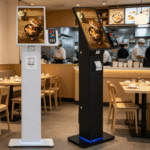
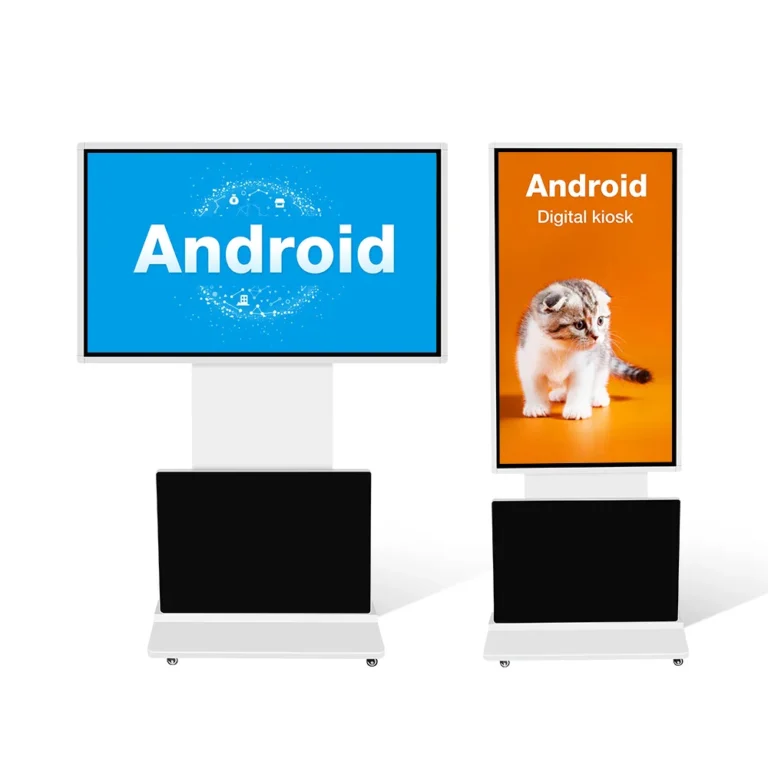
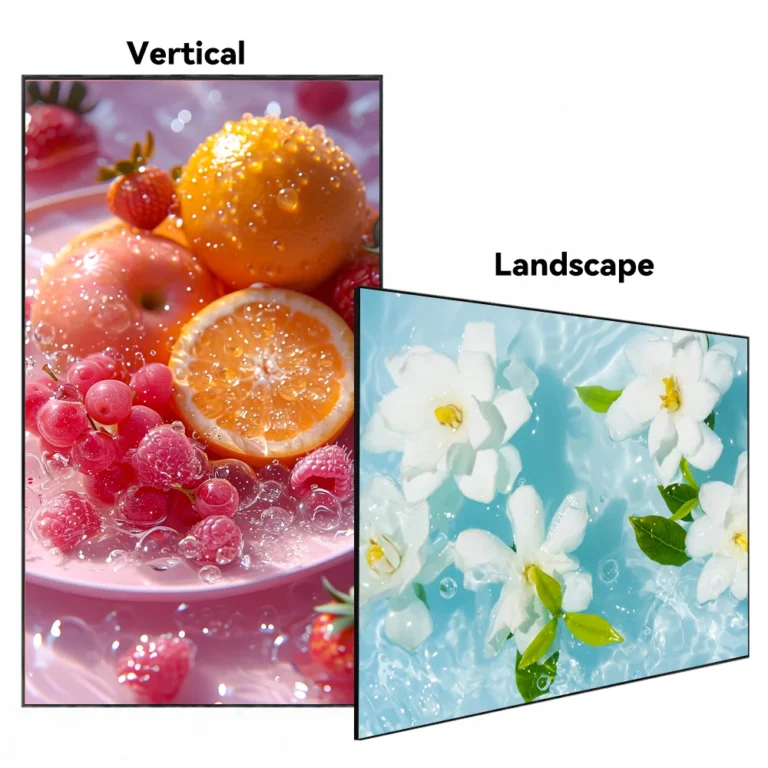
Customization starts at the structural level. For instance, in environments where space is a premium or orientation fluctuates, engineers often deploy auto-rotating digital signage touch kiosks. These systems use mechanical sensors and specialized mounting brackets to switch between portrait and landscape modes. This flexibility allows businesses to adapt their content delivery based on the specific media format—whether it is a tall social media feed or a wide-screen cinematic advertisement.
Navigating the Optical Challenges of Retail Storefronts
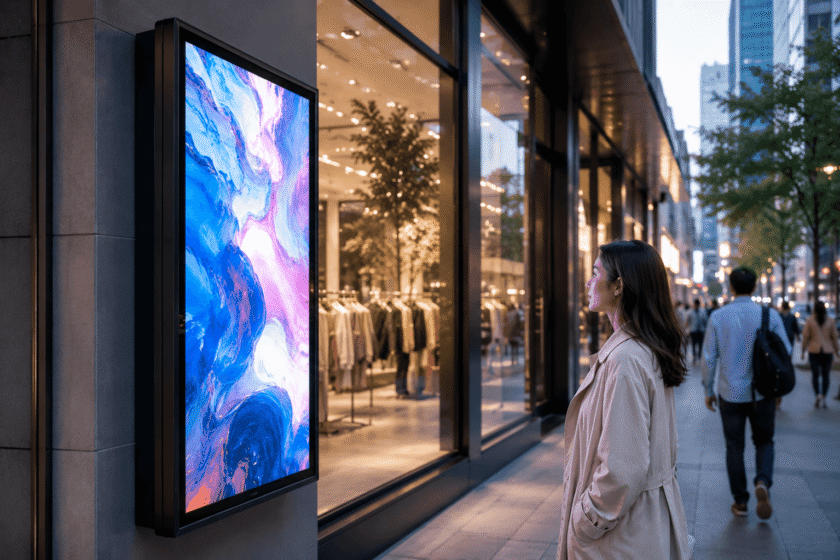
One of the most significant hurdles in custom signage is ambient light interference. A standard display typically offers 250 to 500 nits of brightness, which is insufficient for storefronts facing direct sunlight. In these scenarios, “sunlight-readable” technology is essential.
Professional high-brightness wall-mounted LCD window displays utilize advanced LED backlighting to achieve 2,000 to 3,500 nits. This level of luminance ensures that content remains visible even when the sun is at its zenith. Furthermore, these units must incorporate automatic dimming sensors. These sensors adjust the brightness based on the time of day, protecting the longevity of the panel and reducing energy consumption during evening hours.
The Rise of Transparent and Holographic Interactions
As brands seek to blend digital information with physical products, transparent LCD technology has emerged as a high-impact solution. Unlike traditional screens that use a solid backlight, holographic 3D transparent LCD displays allow light to pass through the screen.
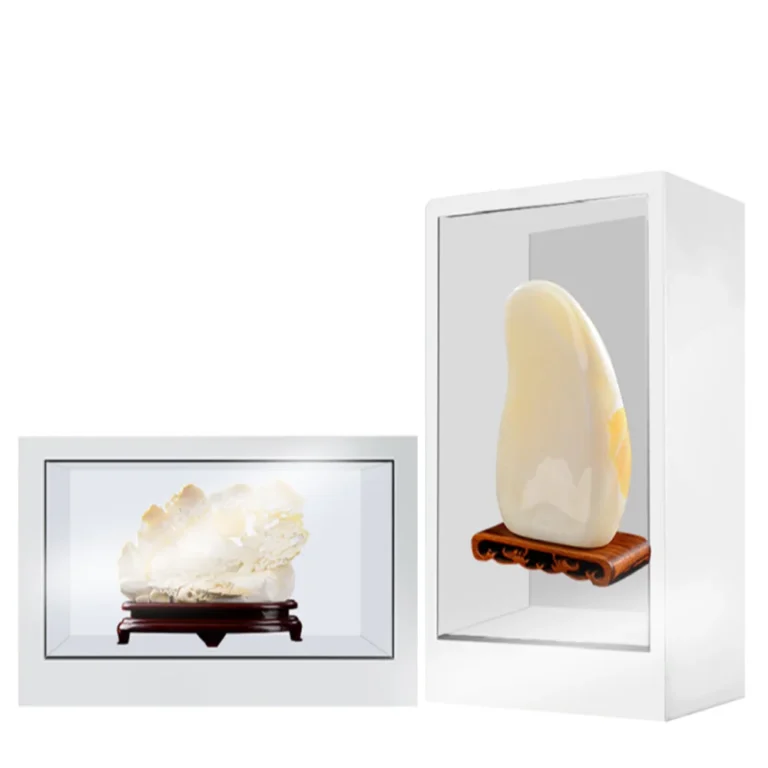
This creates a “layering” effect where a physical product sits inside a showcase box behind a digital overlay. The digital layer can display pricing, technical specs, or motion graphics that appear to interact with the physical item. This is particularly effective in luxury retail and museums, where the goal is to provide information without obstructing the viewer’s gaze from the primary object.
Engineering for the Elements: Outdoor Signage Logic
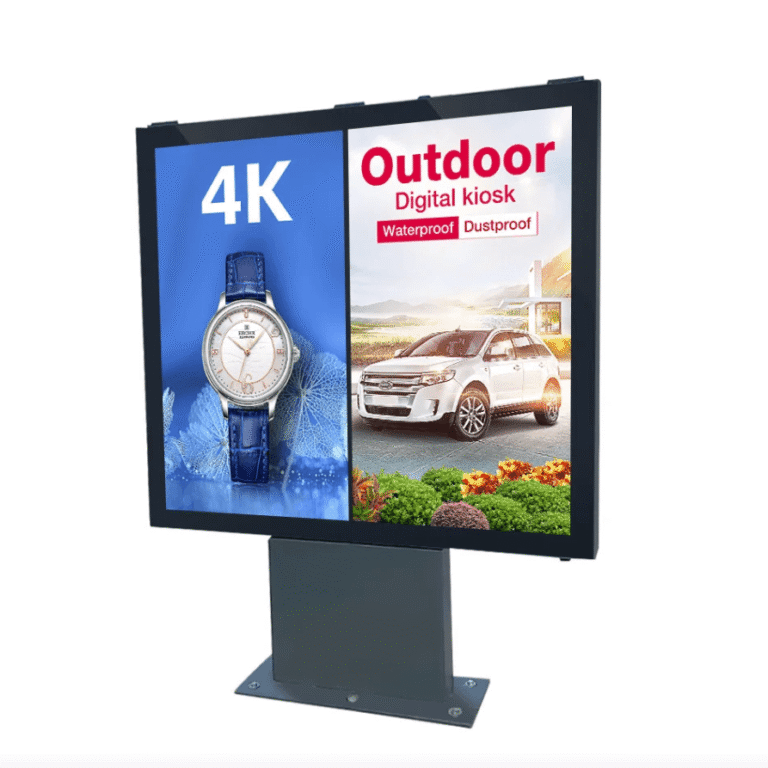
Outdoor environments present the most demanding specifications for custom digital signage. Beyond simple weatherproofing, these systems must solve for thermal regulation, moisture ingress, and physical security.
When evaluating outdoor digital signage solutions, several technical benchmarks must be met:
IP Ratings: An IP65 or IP66 rating is standard, ensuring protection against dust and high-pressure water jets.
Thermal Management: Integrated air conditioning or forced-air cooling systems are necessary to prevent “blackening” of the LCD panel when exposed to internal heat buildup and external solar radiation.
Impact Resistance: Many outdoor units utilize IK10-rated tempered glass to protect against vandalism and environmental debris.
Interactive Touch Surfaces and Collaborative Spaces
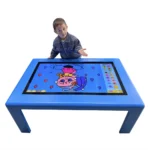
Customization also extends to the form factor of the display itself. While vertical kiosks are common for information wayfinding, interactive touch tables have gained traction in collaborative environments like architectural firms, medical consultations, and high-end showrooms.
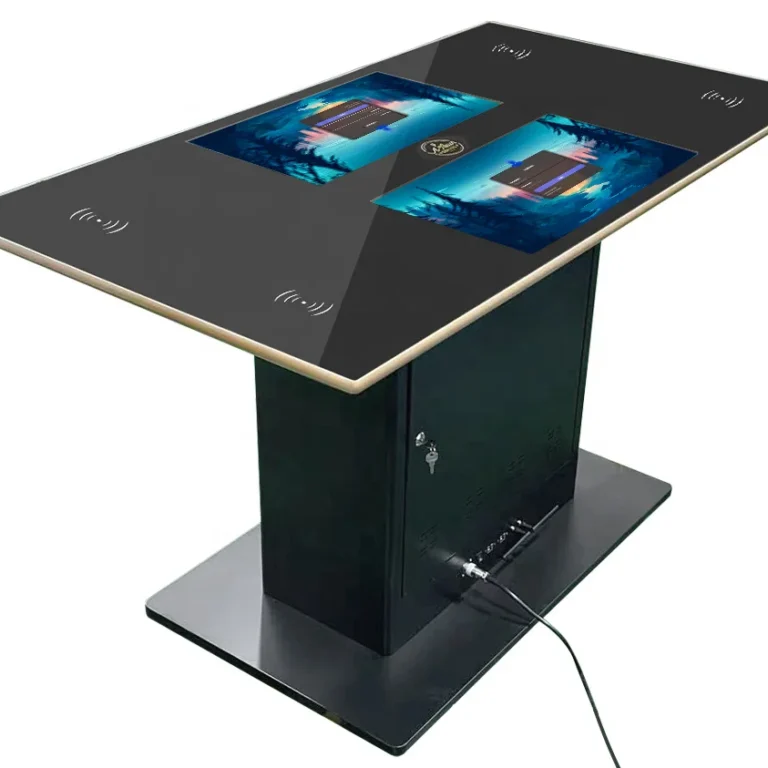
These tables utilize Capacitive (PCAP) touch technology, similar to a smartphone but on a much larger scale. This allows for multi-user interaction, where several people can manipulate data or images simultaneously. The horizontal orientation changes the social dynamic of the information exchange, turning a passive viewing experience into an active, collaborative one.
Key Factors in Selecting Custom Signage Components
When designing a custom solution, engineers and project managers must balance several competing variables:
| Technical Variable | Consideration | Impact on Business |
| Nit Level (Brightness) | 350 (Indoor) vs 3000+ (Sunlight) | Content visibility and eye strain. |
| Cooling Type | Fanless vs Forced Air vs AC | Lifecycle of internal components. |
| Touch Technology | IR (Infrared) vs PCAP (Capacitive) | Sensitivity and bezel thickness. |
| Glass Coating | Anti-glare vs Anti-reflective | Reduction of distracting reflections. |
The Future: Smart Integration and IoT
Modern custom signage is increasingly becoming part of the Internet of Things (IoT) ecosystem. By integrating cameras and AI sensors, displays can now perform “anonymous audience analytics.” These systems can detect the age, gender, and dwell time of the viewer in real-time, allowing the CMS (Content Management System) to switch content dynamically to match the demographic currently looking at the screen.
This level of customization ensures that the digital signage is not just a static loop, but a responsive interface that adds measurable value to the business environment. Whether it is through the mechanical flexibility of a rotating kiosk or the visual depth of a holographic display, custom digital signage represents the intersection of industrial engineering and strategic communication.
FAQ
1.What is the difference between a high-brightness display and a regular TV?
A regular TV is designed for controlled indoor lighting and typically peaks at 300 nits. High-brightness commercial displays can reach over 3,000 nits, allowing them to remain visible in direct sunlight. They also use commercial-grade cooling systems to handle 24/7 operation, whereas a consumer TV may fail or suffer from “image retention” if left on continuously.
2.What does an IP65 rating mean for outdoor signage?
IP stands for Ingress Protection. The first digit “6” means the unit is completely dust-tight. The second digit “5” means it is protected against water jets from any angle. This is a critical specification for any signage intended for permanent outdoor installation to ensure electrical safety and longevity.
3.Can touchscreens work through thick glass?
Yes, Projective Capacitive (PCAP) touch technology can be engineered to work through specialized glass layers. This is often used in “through-window” interactive displays where the screen is inside a store but the customer can interact with it from the sidewalk.
4.Why would a business choose a transparent LCD over a traditional screen?
Transparent LCDs are used when the physical presence of a product is just as important as the digital information. It allows for “augmented reality” without glasses, where digital graphics are overlaid directly onto a real-world object housed inside the display box.
5.What is the importance of a CMS in custom digital signage?
A Content Management System (CMS) is the software heart of the display. It allows users to schedule content, update media remotely via Wi-Fi or 4G, and monitor the “health” of the screen (such as internal temperature and connectivity status) from a central office.
Reference Sources
SID (Society for Information Display)
IEC (International Electrotechnical Commission)