Digital Signage Installation: Best Practices for Professional Setup
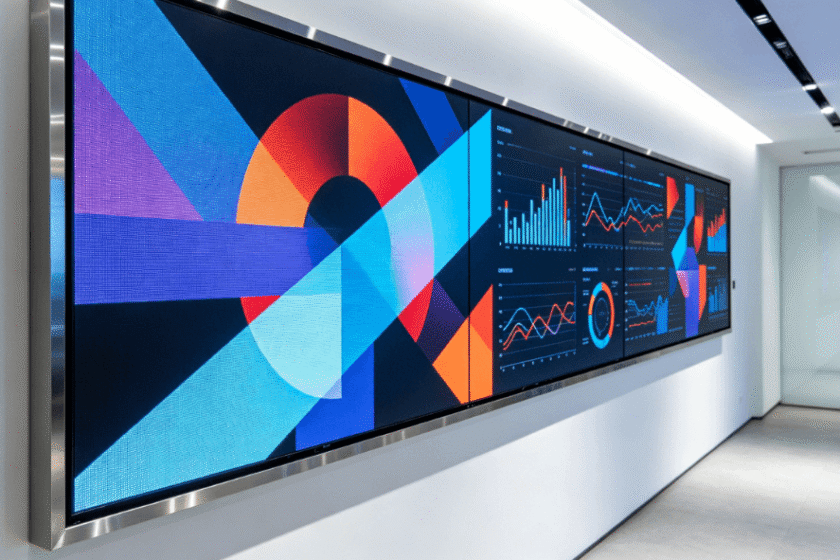
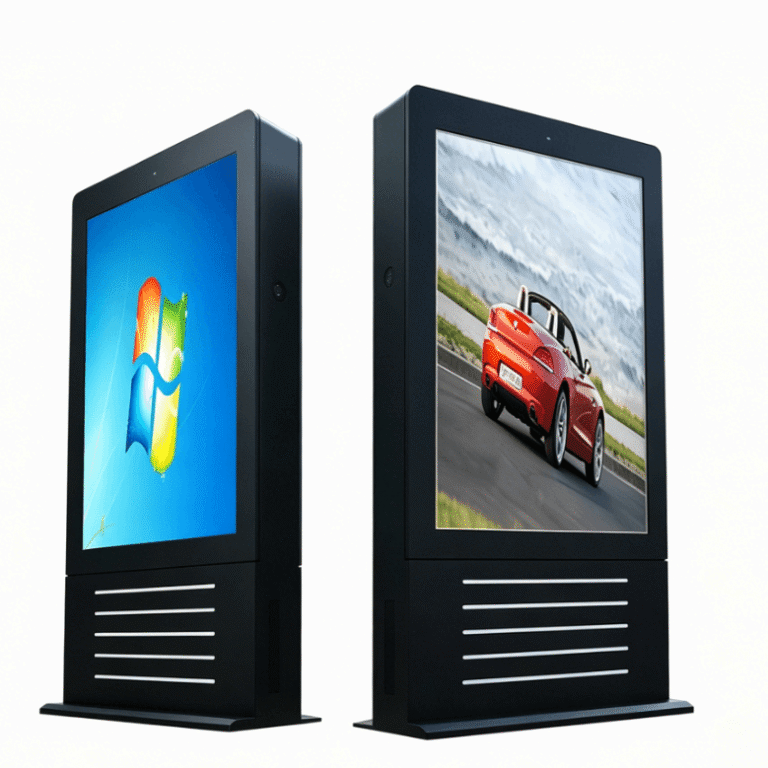
Deploying digital signage at an industrial or enterprise scale transcends simply mounting a screen to a wall. It is an integrated engineering project that requires precise alignment between structural mechanics, electrical stability, and environmental conditions. Whether you are installing a fine-pitch indoor LED video wall or a high-brightness outdoor kiosk, the longevity and ROI of the system depend on the rigor of the initial deployment.
For project managers and lead engineers, understanding the “fail points” of a digital signage installation is the first step toward a successful rollout. This guide outlines the technical benchmarks and best practices required to ensure a professional-grade setup.

Structural Integrity and Mounting Engineering
The physical foundation is the most critical element of any digital signage installation. Unlike consumer-grade hardware, professional displays—especially modular LED panels—carry significant weight and generate specific torque profiles.
Before any hardware arrives on-site, a structural load-bearing analysis is mandatory.
Wall Substrate Assessment: Drywall is rarely sufficient for large-format displays. Installers should look for steel studs or concrete reinforcement.
Mounting Logic: For LCD video walls, micro-adjustment mounts are essential to ensure “zero-gap” alignment. For LED cabinets, such as those used in Silicon Valley Display’s indoor modular series, the mounting frame must be perfectly plumb. A deviation of even 1mm at the base can result in visible seams or “black lines” at the top of a 5-meter wall.
Seismic Considerations: In specific geographic zones, mounts must meet seismic rating standards to prevent hardware displacement during vibration.
Electrical Infrastructure and Power Sequencing
Electrical failure is a leading cause of premature component degradation in digital signage. Professional installations must move beyond basic power outlets toward a regulated power architecture.
Dedicated Circuits: Digital signage should never share circuits with high-draw industrial machinery (like HVAC or elevators) to avoid voltage spikes and electromagnetic interference (EMI).
Inrush Current Management: Large LED displays draw significant “inrush current” when powered on simultaneously. A professional setup utilizes power sequencers that activate display sections in stages, preventing circuit breakers from tripping.
Grounding: Proper grounding is non-negotiable, particularly for outdoor installations, to protect sensitive driver ICs from electrostatic discharge.
Thermal Management and Environmental Hardening
Heat is the primary enemy of LED and LCD longevity. Even the most advanced outdoor high-brightness displays require active or passive thermal strategies to prevent “blackening” of the liquid crystal or color shifting in LEDs.
Enclosure Ventilation: If a display is recessed into a wall, there must be a minimum of 2 to 4 inches of clearance for airflow. Forced-air cooling (fans) or integrated HVAC units are necessary if the ambient temperature exceeds 30°C (86°F).
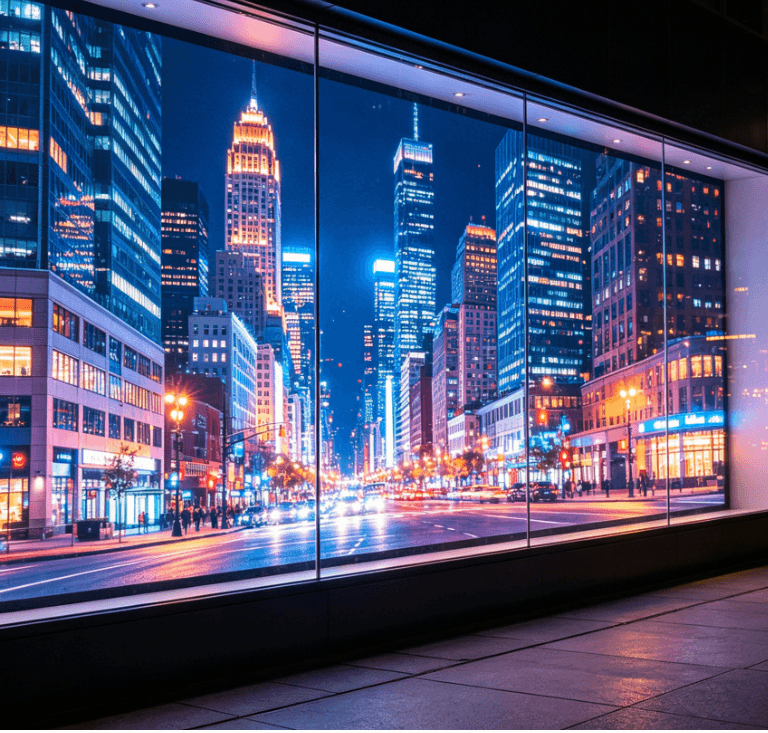
The Solar Factor: For south-facing outdoor installations, the “solar load” can add significantly to the internal temperature. Utilizing UV-rated glass and high-NIT (brightness) panels with automatic dimming sensors helps manage both heat and power consumption.
IP Ratings: Installations in humid or dusty environments require hardware with appropriate Ingress Protection. While IP65 is standard for outdoor fronts, the rear of the cabinet must also be protected if exposed to the elements.
Signal Integrity and Connectivity Standards
The quality of the visual output is only as stable as the signal path. For high-resolution installations (4K and beyond), cable physics become a limiting factor.
| Connection Type | Recommended Distance | Best Use Case |
| HDMI 2.0/2.1 | < 5 Meters | Local media player to screen |
| HDBaseT | Up to 100 Meters | Long-run signal over Cat6 cables |
| Fiber Optic | 300+ Meters | Enterprise-scale distributed signage |
| SDI | Up to 100 Meters | Broadcast and live-event environments |
To minimize signal degradation, installers should avoid tight bends in cabling (respecting the “minimum bend radius”) and keep signal cables separate from high-voltage power lines to prevent crosstalk.
Post-Installation Calibration and Handover
The final 5% of the installation determines the perceived quality of the entire project. Once the hardware is energized, the system must undergo a rigorous commissioning phase.
Pixel-Level Calibration: For LED walls, “white balance” and “chroma calibration” ensure that every batch of LED modules displays a uniform color temperature.
Burn-In Testing: It is standard practice to run the display at 100% brightness for 24 to 48 hours. This “stress test” allows installers to identify “infant mortality” in electronic components before the project is officially signed off.
Content Aspect Ratio Verification: Ensure the media player’s output resolution matches the physical pixel map of the display to avoid stretching or artifacts.
By adhering to these engineering-led best practices, organizations can transition from a “standard display setup” to a high-performance digital communication asset. Selecting hardware that supports these standards—such as the customizable LED solutions found in the Silicon Valley Display product lineup—is the first step in ensuring long-term reliability.
FAQ
1. What is the most common mistake in digital signage installation?
The most frequent error is inadequate ventilation. Many installers treat commercial displays like home TVs, forgetting that commercial units often run 24/7. Without proper airflow, the internal heat buildup significantly reduces the half-life of the backlight or LED diodes.
2. How do I choose between an LCD video wall and an LED display for installation?
This depends on the viewing distance and ambient light. LED displays (like COB or SMD technology) are superior for seamless, large-scale visuals and high-brightness environments. LCD video walls are typically more cost-effective for close-range viewing where text legibility (small fonts) is the priority, though they involve visible bezels.
3. Does digital signage require a specific type of internet connection?
While Wi-Fi is possible, a hardwired Ethernet (Cat6) connection is strongly recommended for commercial installations. Wired connections provide the stability needed for large content file transfers and ensure consistent “heartbeat” monitoring for remote troubleshooting.
4. What are the legal or safety certifications required for installation?
In most jurisdictions, the mounting hardware must be UL-listed, and the electrical work must comply with local building codes (such as NEC in the US). For public spaces, “flame retardancy” ratings for cabling (Plenum-rated) may also be required.
Reference Sources