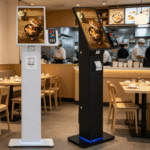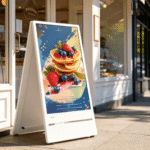
How Touchscreen Kiosks Are Transforming Businesses
In 2026, the global commercial landscape is evolving at a rapid pace. Digital transformation is no longer a luxury for large corporations. Modern businesses now prioritize seamless user interactions to stay competitive. Touchscreen kiosks have emerged as a primary tool for achieving this goal. These interactive stations bridge the gap between physical spaces and digital convenience. They allow customers to navigate services with unprecedented autonomy. By integrating high-quality hardware, companies can significantly reduce operational friction.
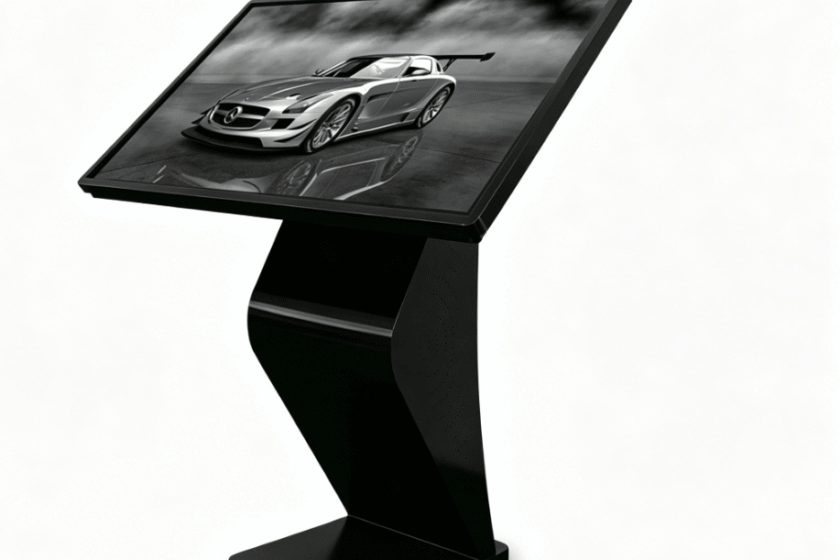
The shift toward self-service technology reflects changing consumer behaviors. Modern shoppers often prefer speed and privacy over traditional face-to-face interactions. Touchscreen kiosks provide a reliable platform for high-traffic environments. These devices operate 24/7 without the need for constant supervision. This reliability ensures that customer service remains consistent during peak hours. Businesses that adopt these solutions often report higher satisfaction scores. The intuitive nature of touch interfaces makes them accessible to all age groups.
Implementing these systems requires a clear understanding of hardware capabilities. Success depends on choosing the right display technology and software integration. High-performance touchscreen kiosks offer crisp visuals and responsive touch points. This combination captures attention and encourages user engagement. As we look deeper into the 2026 market, the benefits become even more apparent. From retail to healthcare, the applications are virtually limitless. This article explores how these tools are reshaping the future of commerce.
How Can Businesses Optimize Operations Using Touchscreen Kiosks?
Optimizing internal workflows is a major challenge for growing enterprises. Touchscreen kiosks streamline various processes by automating routine tasks. For example, check-in kiosks in hotels reduce lobby congestion significantly. Guests can manage their own registration without waiting for staff. This automation allows employees to focus on complex guest needs. Efficient resource allocation leads to better service quality across the board.
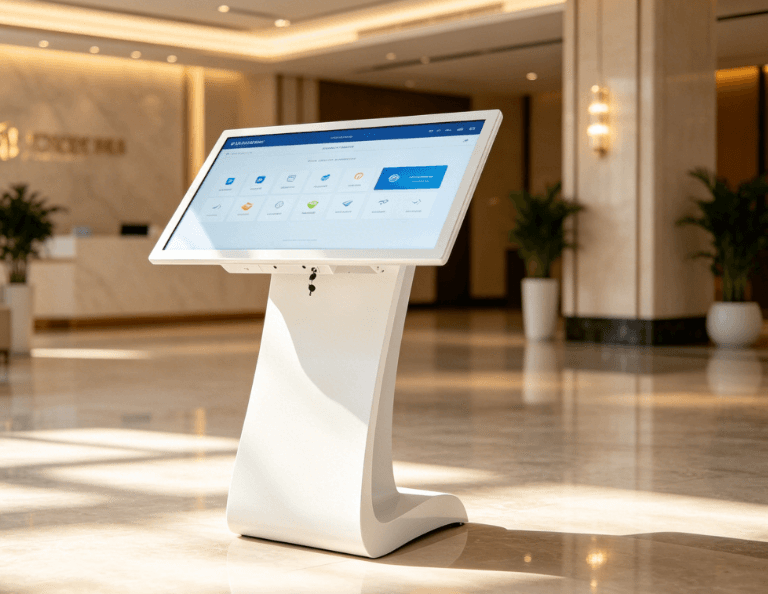
In the food service industry, self-ordering systems are a game changer. Customers can browse digital menus and customize their orders at their own pace. This precision reduces order errors and minimizes waste. Data from 2026 indicates that kiosks can increase average transaction values by up to 30%. This growth occurs because digital systems consistently suggest relevant add-ons and upgrades. Upselling becomes a standardized process rather than a hit-or-miss effort by staff.
Touchscreen kiosks also serve as powerful data collection points. Every interaction provides insights into customer preferences and behavior. Businesses can track which products are viewed most frequently. This real-time data allows for agile inventory management. Companies can adjust their offerings based on actual demand patterns. Harnessing user data transforms the kiosk from a simple tool into a strategic asset.
| Kiosk Feature | Business Benefit | Operational Impact |
| Self-Service Ordering | Reduced Wait Times | Increased Customer Throughput |
| Interactive Wayfinding | Improved Navigation | Lower Staff Intervention |
| Digital Loyalty Sign-up | Enhanced Data Capture | Higher Retention Rates |
| Real-time Updates | Instant Information Sync | Consistent Brand Messaging |
The Impact of Touchscreen Kiosks on Customer Engagement
Engagement is the heartbeat of any successful modern brand. Touchscreen kiosks provide an immersive platform for storytelling and brand interaction. Unlike static signage, interactive displays invite the user to participate. This participation creates a more memorable experience for the consumer. When users touch and explore, they develop a deeper connection with the product. Interactive technology fosters a sense of control and empowerment in the buyer.
High-resolution displays ensure that visuals remain vibrant and professional. In 2026, 4K and 8K resolutions have become the standard for premium kiosks. These screens display products in stunning detail, making them more appealing. Visual quality directly influences the perceived value of a brand. Vibrant imagery combined with a responsive interface keeps users engaged longer. This extended dwell time often translates into higher conversion rates.
Wayfinding is another critical area where these devices excel. In large malls or hospitals, touchscreen kiosks simplify complex navigation. Users can search for specific locations and receive custom directions. Some advanced models even sync directions directly to a user’s smartphone. This seamless transition between devices enhances the overall journey. Reducing customer frustration is a direct path to building long-term brand loyalty.
Why Are Touchscreen Kiosks Essential for Modern Retail Environments?
Retailers face intense competition from online shopping platforms. To survive, physical stores must offer something unique and efficient. Touchscreen kiosks provide an “endless aisle” experience for shoppers. If an item is out of stock, customers can order it via the kiosk. This ensures that the store never loses a sale due to physical inventory limits. Bridging the online and offline worlds is crucial for retail success in 2026.
The integration of secure payment gateways is another essential feature. Modern kiosks support contactless payments, mobile wallets, and traditional cards. This flexibility caters to the diverse preferences of a global audience. Fast, secure checkout processes are proven to reduce cart abandonment. Streamlining the final step of the buyer journey maximizes revenue potential. Security protocols in 2026 ensure that user data remains protected at all times.
Furthermore, these kiosks act as versatile marketing tools. During idle times, they can display dynamic advertisements and promotions. This turns a functional device into a high-impact digital billboard. Retailers can update content remotely across multiple locations instantly. Centralized content management ensures brand consistency across an entire franchise. This agility allows businesses to react quickly to market trends or local events.
Technical Specifications and Hardware Durability
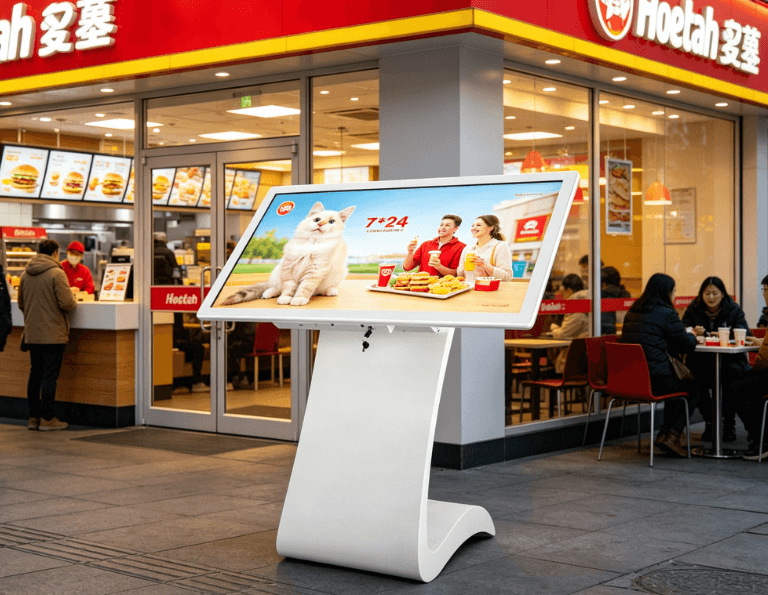
Choosing the right hardware is vital for long-term operational success. Professional touchscreen kiosks are built to withstand heavy public use. They often feature tempered glass that is resistant to scratches and impacts. The internal components are designed for continuous operation without overheating. In 2026, energy-efficient processors help reduce the total cost of ownership. Investing in durable hardware minimizes maintenance costs and downtime.
Connectivity options have also expanded significantly in recent years. Most kiosks now support 5G, Wi-Fi 6, and wired Ethernet connections. This ensures that cloud-based software remains synchronized and responsive. High-speed connectivity allows for smooth video playback and rapid data transfers. Reliable uptime is the foundation of a positive user experience. If a kiosk is slow or offline, it can damage a brand’s reputation.
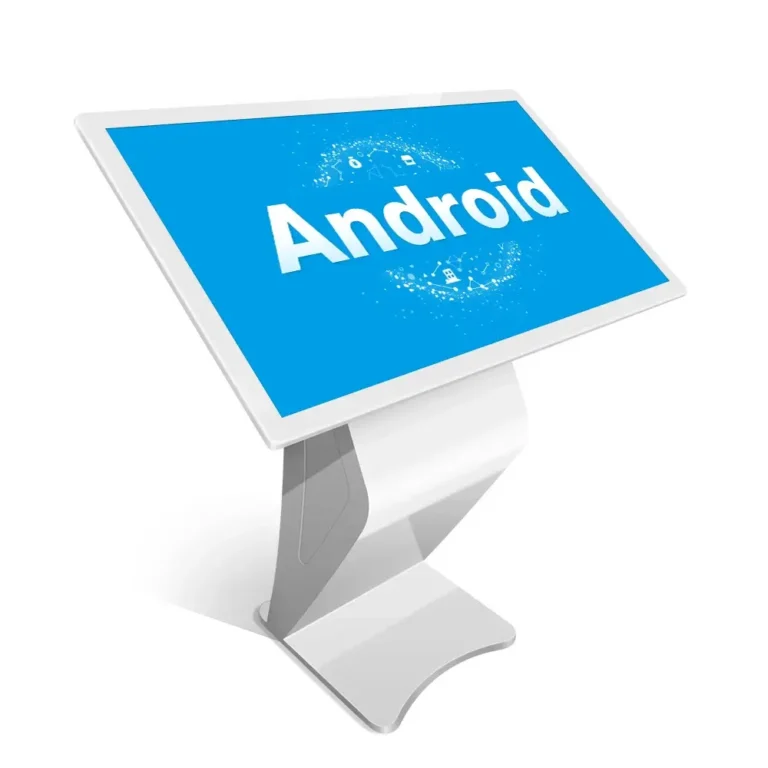
Operating systems like Windows and Android provide the flexibility needed for custom apps. Many businesses prefer Android for its cost-effectiveness and ease of development. Others choose Windows for its robust security and integration with legacy systems. Selecting the right OS depends on the specific software requirements of the business. Regardless of the platform, the user interface must remain clean and intuitive. A complex menu system will discourage users and lead to abandonment.
How to Choose the Right Kiosk Solution for Your Brand
Selecting a kiosk requires a balance between functionality and design. You must first identify the primary goal of the installation. Is it for information sharing, lead generation, or transactional purposes? Screen size plays a major role in how users perceive the device. A 55-inch floor-standing unit is perfect for attracting attention in high-traffic areas. Conversely, a 21-inch wall-mounted model might suit a cozy boutique or office.
Consider the environment where the touchscreen kiosk will reside. Outdoor environments require high-brightness screens to remain visible in direct sunlight. These units also need weather-resistant enclosures to protect against rain and dust. Indoor units can focus more on sleek aesthetics and ultra-thin profiles. Matching the hardware to the physical environment ensures longevity and usability. You should also evaluate the ease of installation and future scalability.
When browsing professional touch screen kiosk options, look for modular designs. Modular units allow you to add peripherals like printers or scanners later. This adaptability ensures that your investment remains relevant as your needs evolve. It is also wise to check the warranty and support services offered by the provider. Reliable technical support is invaluable if hardware issues arise. A well-chosen kiosk should serve as a long-term partner in your business growth.
Summary
Touchscreen kiosks are revolutionizing how businesses interact with their customers in 2026. They improve operational efficiency, increase sales through automated upselling, and enhance brand engagement. By selecting the right hardware and software, companies can provide a seamless self-service experience. These tools are essential for any brand looking to modernize and scale effectively.
PRO TIP
To maximize the ROI of your touchscreen kiosks, always place them in the natural flow of foot traffic. Avoid tucking them into corners where they might be overlooked. Regularly update your digital content to keep the experience fresh for returning customers. A clean, well-maintained screen is also vital for encouraging user interaction.
FAQ
1. Do touchscreen kiosks require a lot of maintenance?
Most modern kiosks are designed for low-maintenance operation in public spaces. High-quality industrial-grade components and tempered glass protect against wear and tear. Regular software updates and simple screen cleaning are usually the only ongoing requirements. Selecting a model with remote management capabilities allows you to fix software glitches without visiting the site.
2. Can touchscreen kiosks be customized for specific branding?
Yes, customization is a standard feature for professional interactive displays. Businesses can apply custom vinyl wraps or choose specific colors for the kiosk enclosure. The software interface can be fully branded with your company’s logos, fonts, and colors. This ensures that the device feels like a natural extension of your existing brand identity.
3. Are these kiosks secure for handling financial transactions?
Security is a top priority for any transactional kiosk in 2026. These devices utilize encrypted payment modules and secure operating systems to protect user data. Compliance with international security standards like PCI-DSS ensures that every payment is safe. Regular security patches further strengthen the system against potential digital threats.
4. What is the average lifespan of a professional kiosk?
A well-maintained professional kiosk typically lasts between five and seven years. The lifespan depends heavily on the quality of the internal components and the environment. Industrial-grade screens and enclosures are built to survive 24/7 usage cycles. Investing in higher-end hardware at the start usually leads to a lower total cost of ownership over time.
5. Is it difficult to integrate a kiosk with my current software?
Integration is generally straightforward thanks to modern APIs and versatile operating systems. Most touchscreen kiosks support standard web applications or dedicated Android and Windows apps. Professional providers often offer SDKs to help developers sync the hardware with existing databases. This allows for real-time inventory updates and seamless customer profile management.
Reference Sources
Statista Global Digital Market Trends