The Role of Interactive Kiosks in Modern Retail
The modern shopping landscape is undergoing a massive digital transformation. Retailers are moving away from traditional counter-service models. They are adopting automated solutions to meet rising consumer expectations. Interactive kiosks in retail have emerged as a cornerstone of this evolution. These machines offer a seamless bridge between physical storefronts and digital convenience.
Modern shoppers value speed and autonomy above all else. Long lines often lead to abandoned carts and lost revenue. Interactive kiosks in retail effectively eliminate these bottlenecks by decentralizing the checkout process. This shift allows customers to browse, order, and pay at their own pace. Businesses can now serve more people in less time without increasing staff numbers.
These devices are no longer just simple computer screens. They integrate high-definition displays with advanced processing power. Robust hardware allows for smooth touch interactions and instant response times. Interactive kiosks in retail provide a consistent brand message to every visitor. They ensure that promotions and product details are always accurate and visually appealing.
How Interactive Kiosks Enhance the Customer Experience in Stores?
Customer satisfaction hinges on the quality of the in-store journey. Interactive kiosks in retail empower shoppers by providing instant access to information. People can check inventory levels or product specifications without waiting for an associate. This self-service capability reduces the anxiety often associated with high-pressure sales environments.
Research indicates that nearly 66% of shoppers prefer self-service for routine tasks. This preference stems from a desire for control and privacy during transactions. Interactive kiosks in retail allow users to explore menu options or product catalogs privately. They can make informed decisions without feeling rushed by other customers in line.
Wait times are a significant pain point in physical retail. Statistics show that customers perceive a five-minute wait as much longer than it actually is. Interactive kiosks in retail reduce actual wait times by spreading the workload across multiple terminals. Faster throughput leads to higher satisfaction scores and improved brand loyalty over time.
Personalization is another area where these terminals excel. Smart systems can recommend complementary products based on what the user selects. This makes the shopping experience feel tailored to the individual’s needs. Interactive kiosks in retail act as a tireless digital assistant that never forgets to offer a discount or upsell.
Key Benefits of Deploying Interactive Kiosks in Retail
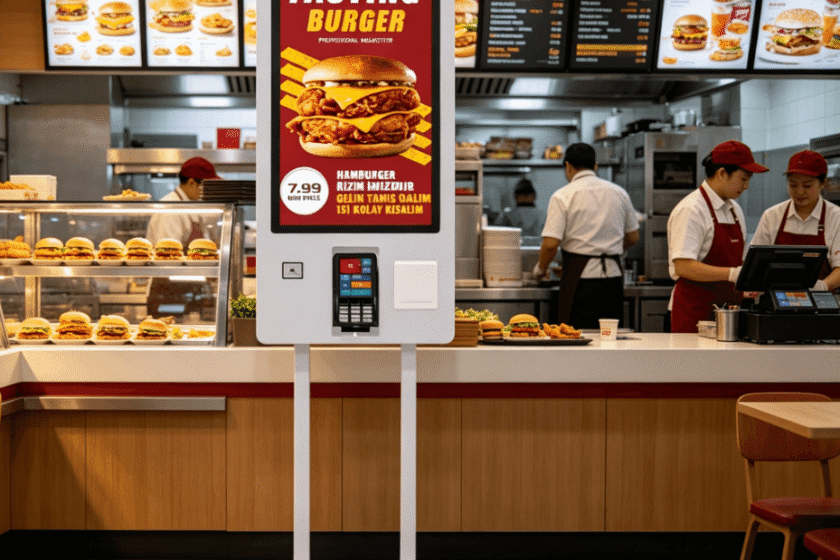
One of the most measurable advantages is the increase in average order value. Data from the food service industry shows that kiosk orders are often 20% to 30% higher than counter orders. This happens because machines consistently prompt users for upgrades or add-ons. Interactive kiosks in retail never miss an opportunity to suggest a larger size or a side item.
Labor costs continue to rise across the global retail sector. Utilizing interactive kiosks in retail allows businesses to reallocate human resources to more complex tasks. Instead of standing behind a register, employees can focus on floor management or customer support. This optimization improves operational efficiency and reduces overhead costs significantly.
Accuracy is another critical factor in retail success. Manual data entry by tired employees often leads to mistakes in orders or inventory tracking. Interactive kiosks in retail capture data directly from the customer’s input. This minimizes errors in custom orders and ensures the kitchen or warehouse receives perfect instructions.
Data collection becomes effortless with digital touchpoints. Every interaction on the screen provides valuable insights into consumer behavior. Retailers can see which products are viewed most often but not purchased. Interactive kiosks in retail serve as a powerful tool for gathering real-time market research.
Technological Trends Shaping the Future of In-Store Automation
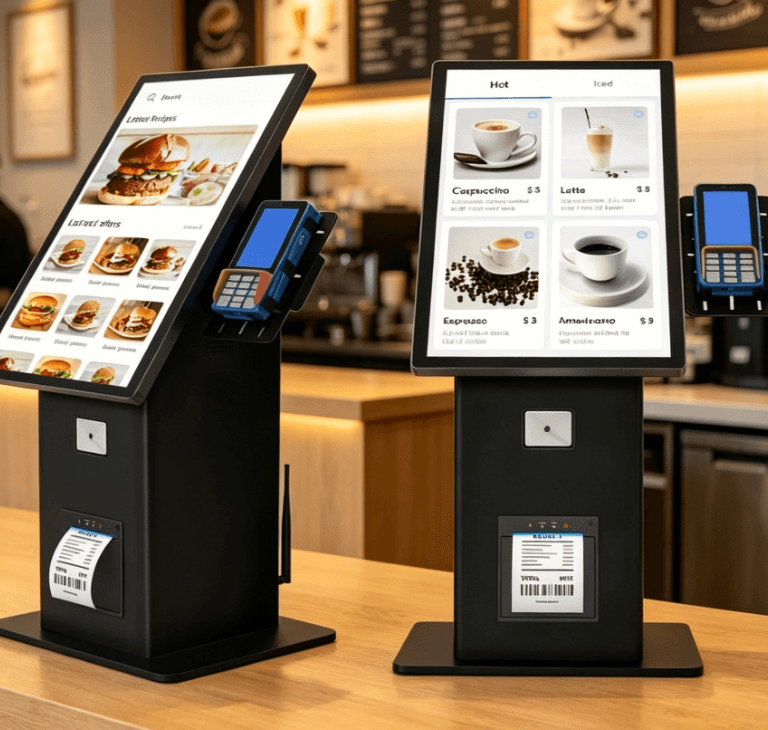
The hardware powering these systems has become more resilient and versatile. Industrial-grade screens now feature capacitive touch technology for a premium feel. Interactive kiosks in retail can operate 24/7 without the risk of overheating or screen burn-in. High-brightness panels ensure visibility even in stores with intense artificial lighting.
Software integration is becoming more sophisticated through cloud-based platforms. Management can update pricing or promotional videos across hundreds of locations instantly. Interactive kiosks in retail are no longer isolated units but parts of a connected ecosystem. This connectivity allows for real-time inventory syncing and remote troubleshooting.
Payment flexibility is essential for modern consumers. Modern terminals support traditional credit cards, mobile wallets, and QR code payments. Interactive kiosks in retail must accommodate diverse payment methods to maximize conversion rates. Secure, encrypted hardware protects sensitive financial data from potential breaches.
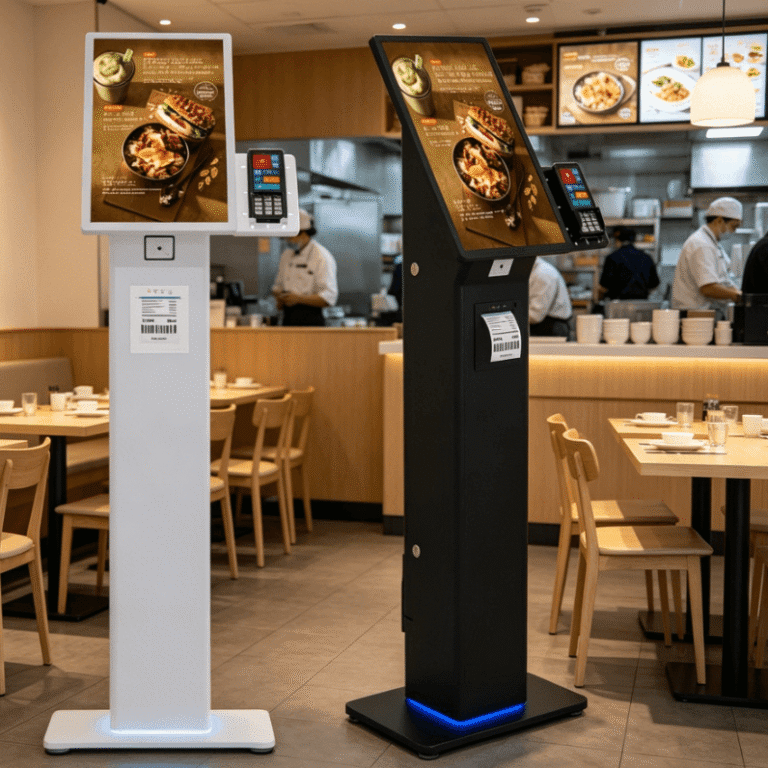
The aesthetic design of these units is also evolving. Sleek, slim-profile frames help the kiosks blend into high-end retail environments. Interactive kiosks in retail often feature customizable branding to match the store’s interior design. This ensures that the technology enhances the visual appeal of the space rather than cluttering it.
Essential Features to Look for in Self-Service Ordering Terminals
Size matters when selecting a digital interface for a store. Common options range from 21.5 inches to 32 inches depending on the space available. Interactive kiosks in retail should have a screen large enough to display high-quality images. A larger canvas makes navigation easier for elderly users or those with visual impairments.
Internal components must be able to handle high traffic volumes. A reliable thermal printer is necessary for producing receipts and order tickets quickly. Interactive kiosks in retail also require integrated scanners for loyalty cards or coupon codes. These peripherals should be easy for staff to maintain and refill during busy shifts.
Durability is a non-negotiable requirement for public-facing technology. Screens should be scratch-resistant and easy to sanitize. Interactive kiosks in retail are touched by hundreds of people every day. Antimicrobial coatings and rugged glass help maintain hygiene and longevity in high-traffic zones.
Operating system choice impacts both performance and security. Many businesses prefer Windows for its compatibility with existing POS software. Others choose Android for its cost-effectiveness and mobile-friendly interface. Interactive kiosks in retail must run on a stable OS that supports regular security updates and remote monitoring.
| Feature | Importance | Benefit |
| Capacitive Touch | High | Provides a smooth, smartphone-like user experience. |
| Integrated Printer | Critical | Enables immediate physical proof of purchase or order. |
| Barcode Scanner | Medium | Facilitates easy use of digital coupons and loyalty programs. |
| Payment Mount | High | Supports various credit card readers for secure transactions. |
| Industrial Screen | High | Ensures 24/7 reliability and long-term durability. |
Criteria for Selecting the Right Self-Service Solution
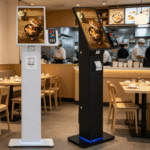
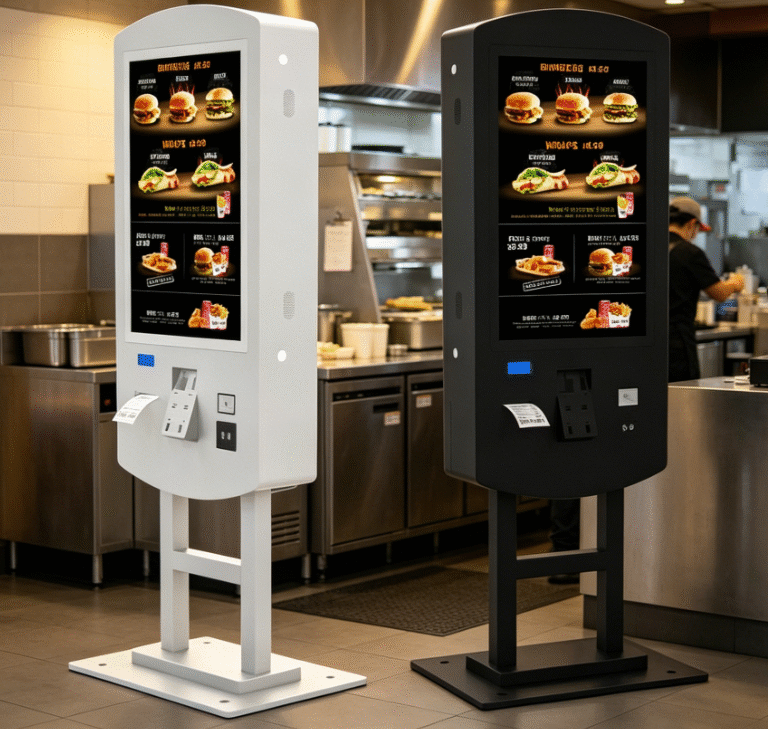
Choosing the right hardware involves evaluating the specific layout of your retail space. You must decide between floor-standing units or wall-mounted versions. Floor-standing models act as visual magnets to draw customers toward the ordering area. Wall-mounted units are ideal for smaller shops where floor space is limited.
High-quality displays are the foundation of any successful self-service strategy. You should look for panels that offer wide viewing angles and vibrant colors. Interactive kiosks in retail must remain legible from different heights and positions. If the screen is dull or unresponsive, customers will quickly revert to waiting for a human cashier.
Connectivity is another vital consideration for your deployment strategy. Ensure your location has a stable internet connection, whether through Wi-Fi or Ethernet. Interactive kiosks in retail require consistent uptime to process payments and update inventory data. A disconnected kiosk is a wasted investment that frustrates potential buyers.
Consider the modularity of the internal components. It is helpful to select a system that allows for easy hardware upgrades. This ensures that your technology does not become obsolete in a few years. For those seeking professional-grade equipment, exploring specialized self-service ordering kiosk options can provide the necessary reliability. Quality hardware reduces long-term maintenance costs and provides a better return on investment.
Summary
Interactive kiosks in retail are essential tools for modernizing the shopping experience and increasing operational efficiency. They reduce wait times, boost average order values, and provide valuable consumer data. By selecting durable hardware and user-friendly software, retailers can future-proof their stores and meet the demands of the digital-first consumer.
PRO TIP
Regularly analyze the data collected from your kiosks to identify “drop-off” points in the user journey. If customers frequently abandon their carts at a specific screen, simplify the UI to improve conversion rates and maximize your interactive kiosks in retail performance.
FAQ
1. What are the main types of interactive kiosks in retail?
The most common types include self-checkout kiosks, information/wayfinding kiosks, and specialized self-service ordering kiosks. Self-checkout units focus on scanning and payment, while information kiosks provide detailed product catalogs or store maps. Ordering kiosks are widely used in fast-casual retail and food environments to streamline the purchasing process.
2. Do customers actually prefer using kiosks over human staff?
Data from 2026 indicates that over 65% of consumers prefer self-service for simple transactions because it is faster and more private. While human staff are still valued for complex advice, kiosks are the preferred choice for routine purchases. Providing both options ensures that a retail store can cater to all types of customer preferences.
3. How do interactive kiosks improve retail sales?
Kiosks increase sales by offering consistent upselling suggestions and reducing the “abandonment rate” caused by long lines. They also allow customers to access an “endless aisle” of products that might not be physically in the store. By integrating with loyalty programs, interactive kiosks in retail also drive repeat business through personalized digital offers.
4. Are interactive kiosks difficult to maintain?
Modern kiosks are designed for easy maintenance with modular components that can be swapped out quickly. Remote monitoring software allows most technical issues to be resolved without on-site visits. Regular cleaning of the touch screen and checking the paper supply for printers are the most common daily maintenance tasks.
Reference Sources