Benefits of Interactive Touch Tables
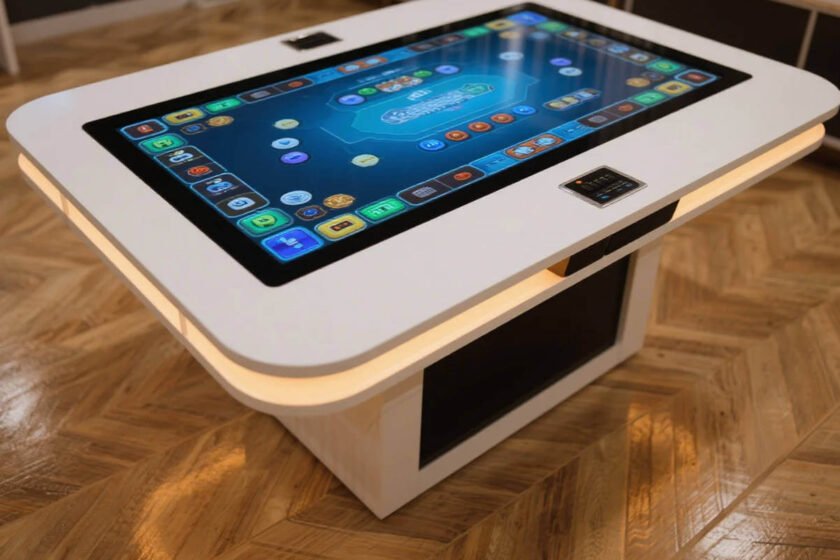
Interactive technology has fundamentally changed how we communicate. The interactive touch screen table stands at the center of this digital shift. These devices combine powerful computing with a user-friendly touch interface. They encourage people to gather around and participate together.
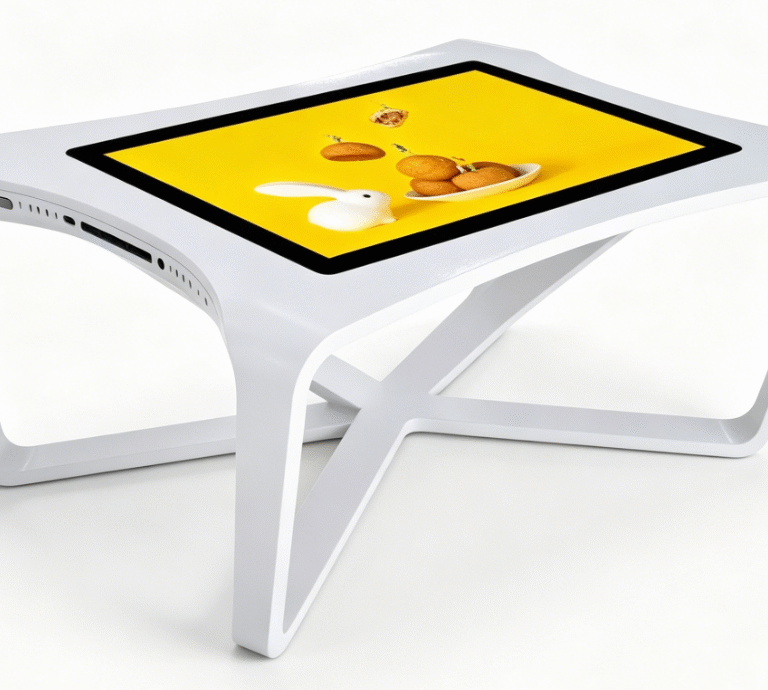
Modern workspaces now prioritize collaborative tools over static displays. A high-quality interactive touch screen table provides a shared digital canvas. It allows multiple users to interact with content simultaneously. This makes it a perfect solution for group discussions and presentations.
By the year 2026, interactive hardware has become more accessible. Its integration into various industries is growing rapidly. From healthcare to high-end retail, the benefits are becoming clear. This article explores why your organization should consider this technology.
Why Are Interactive Touch Tables Becoming Essential?
Businesses face increasing pressure to provide memorable digital experiences. An interactive touch screen table meets this demand by offering tactile feedback. Traditional monitors often create a barrier between the presenter and the audience. In contrast, a table format invites people to lean in and explore.
Studies show that interactive learning environments improve information retention by up to 75%. This is significantly higher than passive listening or reading. Users are more likely to remember data they have physically manipulated. This makes the technology invaluable for corporate training and educational institutions.
The shift toward hybrid work also influences this trend. Teams need tools that bridge the gap between physical and digital spaces. An interactive touch screen table can sync with cloud services easily. It allows local teams to collaborate while sharing screens with remote partners.
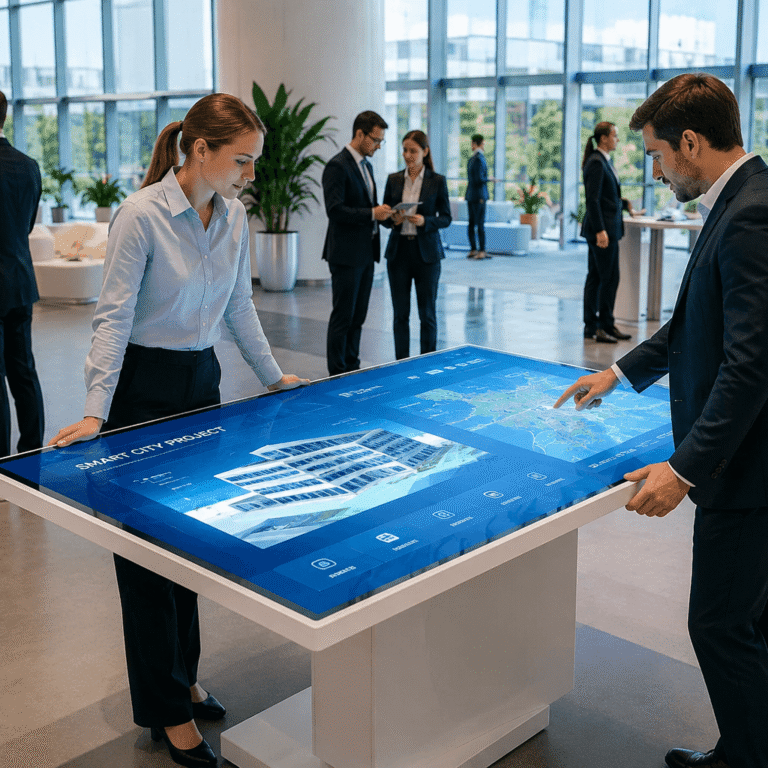
Furthermore, the “wow factor” of these devices cannot be ignored. They signal that a brand is forward-thinking and tech-savvy. First impressions often determine the success of a business meeting. A sleek interactive touch screen table creates an immediate professional impact.
Enhancing Collaborative Environments with an Interactive Touch Screen Table
Collaboration is the primary goal of most modern office designs. The interactive touch screen table is specifically built to support multi-user workflows. Most units feature at least 10 to 40 distinct touch points. This allows several team members to work on the same project at once.
In architectural firms, designers use these tables to review 3D blueprints. They can zoom, rotate, and annotate designs using simple hand gestures. This hands-on approach reduces errors by roughly 20% during the initial planning phase. It ensures everyone is literally on the same page.
| Industry | Primary Use Case | Key Benefit |
| Education | Group Projects | Increased Student Participation |
| Healthcare | Patient Consultation | Better Visualized Diagnostics |
| Retail | Product Configuration | Higher Customer Conversion Rates |
| Museums | Immersive Exhibits | Enhanced Visitor Engagement |
Retailers are also seeing massive success with this technology. Customers spend 40% more time engaging with products when using interactive catalogs. A table allows them to compare features side-by-side. It creates a self-service environment that feels personalized and high-end.
In museum settings, these tables turn history into an active experience. Visitors can explore digital archives without damaging physical artifacts. This preserves sensitive materials while making them accessible to the public. High-resolution screens ensure every detail is visible.
Technical Advantages and Industry Data for 2026
The technical capabilities of an interactive touch screen table have peaked in 2026. Most professional models now feature 4K or 8K Ultra-High-Definition resolution. This provides crystal-clear imagery for complex data sets or medical imaging. The visual quality is essential for maintaining user focus during long sessions.
Capacitive touch technology is now the industry standard for these tables. It offers the same responsiveness as a modern smartphone. Users experience zero lag when dragging objects across the surface. This fluid motion is critical for a natural user experience.
Durability is another major factor in the popularity of these devices. Many tables utilize 9H tempered glass that is both scratch and impact resistant. Waterproof and dustproof ratings (such as IP65) protect the hardware in public spaces. This ensures the table remains functional even in busy restaurants or lobbies.
| Technical Feature | Specification Standard (2026) | Performance Impact |
| Resolution | 3840 x 2160 (4K UHD) | Exceptional Visual Clarity |
| Touch Points | 20 – 40 Points | Multi-User Collaboration |
| Glass Hardness | Mohs Scale 7+ / 9H | Long-term Durability |
| Response Time | < 5 Milliseconds | Seamless Interaction |
Energy efficiency has also improved by 30% compared to previous generations. Modern LED backlighting consumes less power while providing higher brightness. This makes it feasible for businesses to keep tables running throughout the day. Lower heat output also improves the lifespan of internal components.
Software compatibility is another area of significant advancement. Most tables support Windows, Android, and Linux operating systems. This flexibility allows businesses to run proprietary apps or standard office software. Integration with mobile devices via NFC or QR codes is now common.
How to Identify the Ideal Interactive Table for Your Business
Selecting the right hardware requires a clear understanding of your environment. You must first evaluate the physical space where the table will sit. A 32-inch model might suit a small office. However, a 65-inch interactive touch screen table is better for large showrooms.
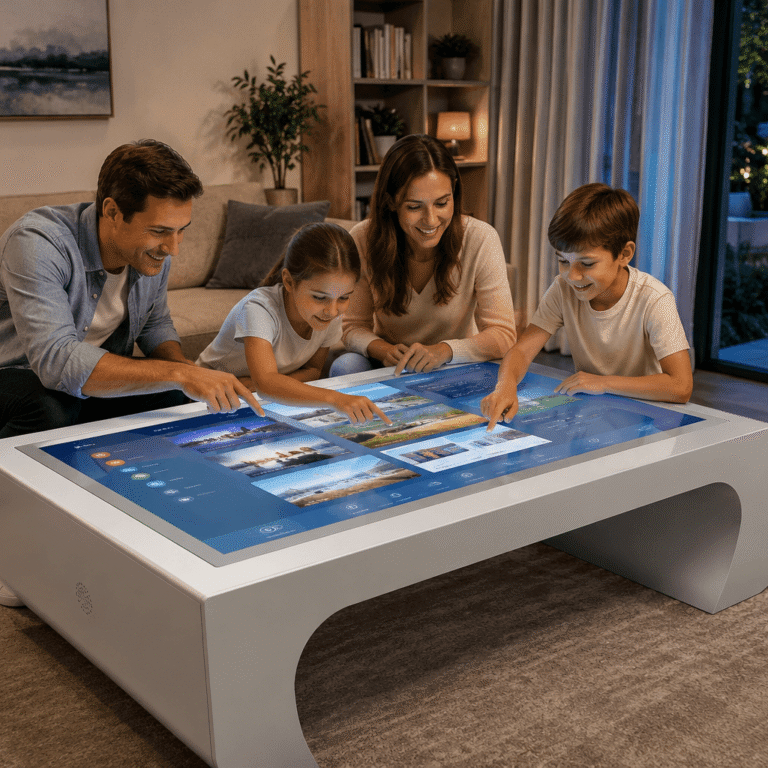
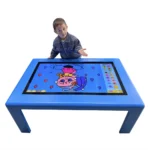
The height of the table is also a critical ergonomic factor. Some models offer motorized height adjustment for different user groups. This is particularly important in schools where children of different ages interact. Accessibility ensures that everyone can use the technology comfortably.
Consider the level of physical protection required for your specific location. In a high-traffic lobby, a robust metal casing is essential. If the table is for a luxury boutique, a sleek design is more important. Looking at the SVDisplay interactive touch table range reveals how designs vary by function.
Hardware performance must match your intended software applications. If you plan to run 3D rendering software, prioritize a powerful internal PC. For simple information kiosks, a standard Android system may be sufficient. Always check the number of available ports for external connectivity.
Maintenance should be simple and cost-effective for your IT team. Choose models with easy access to internal components for future upgrades. Software updates should be manageable via a central network connection. This reduces the time spent on manual technical support.
Evaluating the glass surface is also a key decision point. Anti-glare coatings are necessary for rooms with bright overhead lighting. Without this, reflections can make the screen difficult to read. A smooth surface ensures that fingers glide easily without sticking.
Summary
The interactive touch screen table is a versatile tool that enhances engagement and collaboration. It provides a durable, high-resolution platform for diverse professional and educational applications. By choosing the right specifications for your environment, you can drive productivity and improve user experiences significantly in 2026.
PRO TIP
When installing an interactive touch screen table in a public area, always include a specialized anti-microbial coating on the glass to ensure hygiene for all users.
FAQ
1. What is the difference between capacitive and infrared touch tables?
Capacitive touch tables offer better sensitivity and support for sleek, flush-mount glass designs. Infrared technology is often more affordable for very large screens but requires a raised bezel. Most high-end interactive touch screen table models use capacitive sensors for a smartphone-like feel.
2. Can I use a touch table for presentations instead of a projector?
Yes, a touch table is often more effective than a projector for small to medium groups. It allows the presenter to interact with the data rather than just pointing at it. This creates a more dynamic and engaging presentation style for the audience.
3. Are these tables difficult to maintain?
Modern touch tables are designed for low maintenance in high-traffic areas. The tempered glass is easy to clean with standard screen cleaners and a soft cloth. Most internal systems are built to run 24/7 with industrial-grade cooling components.
4. Do interactive tables support external devices like laptops?
Most tables include HDMI and USB ports for connecting external hardware. You can easily plug in a laptop to use the table as a giant touch monitor. Wireless screen sharing is also a standard feature in 2026 models.
5. Is special software required to run an interactive table?
While tables run on standard OS like Windows, specialized multi-touch software improves the experience. These apps allow for better gesture control and multi-user split-screen functions. Many manufacturers provide a basic suite of collaborative tools out of the box.
Reference Sources