Why a Surface Waterproof Touch Screen Table Is Essential for Public Spaces?
In my decade of experience deploying digital solutions, I have seen many standard displays fail prematurely. The culprit is rarely a software glitch; it is usually environmental stress. A touch screen table placed in a mall, cafe, or lobby faces constant threats from spilled liquids and heavy cleaning. Traditional monitors are not designed to handle these real-world conditions. When you invest in interactive technology, surface protection is not just a feature; it is a necessity for survival. Understanding the technical requirements for waterproofing will save your organization from costly hardware replacements. This guide focuses on why a liquid-resistant interface is the backbone of any reliable digital installation.
The Impact of an Interactive Touch Screen Table in High-Traffic Zones
Modern consumers expect seamless, tactile interaction with digital content. An interactive touch screen table provides a communal platform that encourages multiple users to engage at once. However, high-traffic areas like museums or airports bring unpredictable usage patterns. Without a protected surface, a single spilled drink can short-circuit the entire system.
Enhancing Resilience in Hospitality and Retail
Restaurants and showrooms use interactive touch screen tables to showcase digital menus or product catalogs. In these environments, the risk of moisture exposure is extremely high. Choosing a table with a sealed glass surface ensures that the hardware remains functional despite daily wear and tear. This resilience allows your staff to focus on service rather than worrying about equipment damage.
Maintaining Hygiene and Ease of Cleaning
Public health standards now require frequent sanitization of shared surfaces. A standard screen with a raised bezel traps bacteria and moisture during cleaning. A flush, waterproof surface allows for the safe use of liquid disinfectants without risking internal corrosion. This makes the touch screen interactive table a safer choice for healthcare and educational facilities.
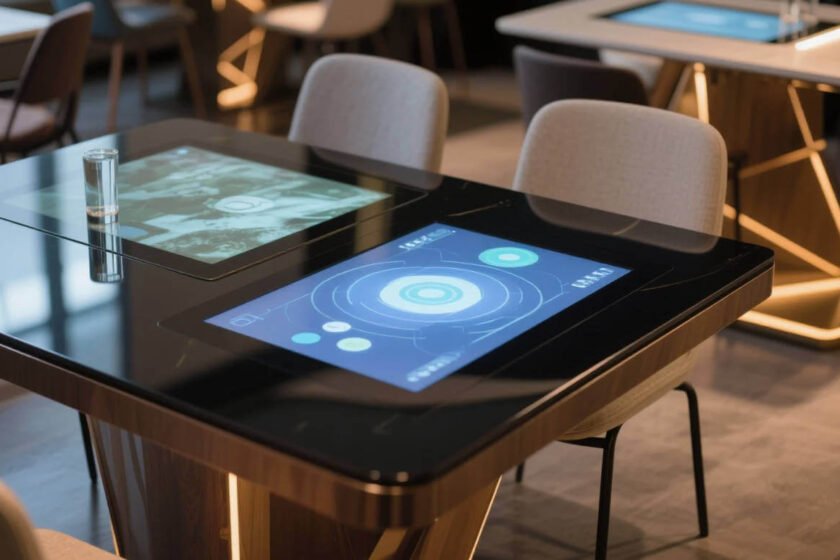
Why Surface Waterproofing Is Non-Negotiable for a Touch Screen Table
The technical definition of “waterproof” can be confusing for many buyers. It is not just about keeping the water out; it is about how the touch sensors behave when wet. A high-quality touch screen table must maintain its accuracy even if there are droplets on the surface.
Deciphering the IP65 Ingress Protection Rating
The Ingress Protection (IP) rating system defines how well an enclosure protects against solids and liquids. For an outdoor or high-risk indoor touch screen table, an IP65 rating on the front face is the industry benchmark. This means the surface is completely dust-tight and can withstand low-pressure water jets. An IP65-rated surface provides the necessary peace of mind for installations in semi-outdoor or spill-prone areas.
The Role of PCAP Technology in Liquid Resistance
Projected Capacitive (PCAP) touch technology is superior for waterproof applications. Unlike infrared sensors, which use light beams that can be blocked by moisture, PCAP uses an electrostatic field. This field functions through a solid layer of tempered glass. PCAP sensors allow the table to distinguish between a human finger and a stray liquid droplet, preventing ghost touches.
Assessing Longevity and Maintenance Costs
Purchasing a touch screen table is a significant capital expenditure. You must look at the Total Cost of Ownership (TCO) rather than just the initial price tag. Non-waterproof units often require expensive repairs or specialized enclosures that block the user experience.
Reducing On-Site Technical Support
Water damage is one of the leading causes of warranty claims for digital furniture. By selecting a factory-sealed waterproof unit, you drastically reduce the frequency of service calls. Hardware that is engineered for durability minimizes downtime and ensures a consistent experience for your customers. Reliability is the most valuable feature any hardware can offer.
Scalability and Future-Proofing Your Hardware
As your digital strategy grows, you may want to move your tables to different locations. A waterproof unit gives you the flexibility to place it in a lobby today and a rooftop lounge tomorrow. Investing in ruggedized interactive solutions allows your infrastructure to adapt to changing business needs without additional upgrades.
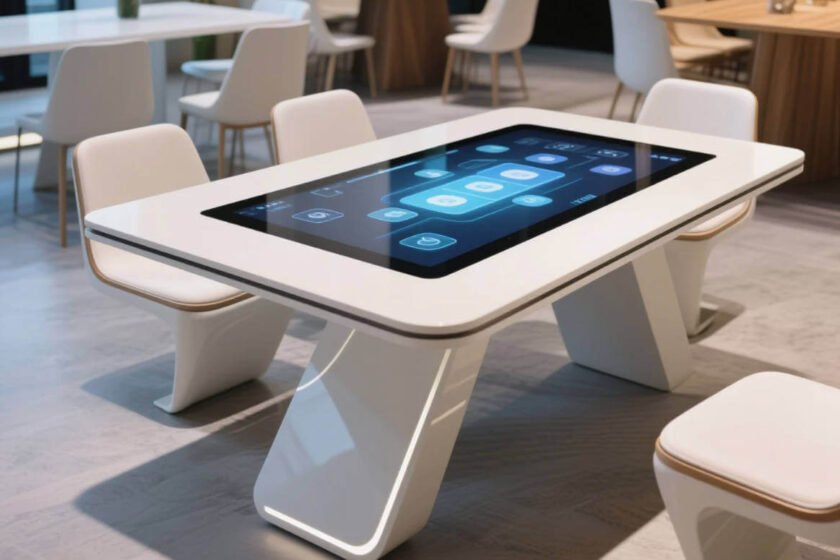
Selecting the Right Waterproof Solution for Your Infrastructure
Determining the right fit for your project involves matching the IP rating to your specific environment. A table in a quiet office has different needs than one in a busy transit hub. You should prioritize models that combine aesthetic appeal with industrial strength.
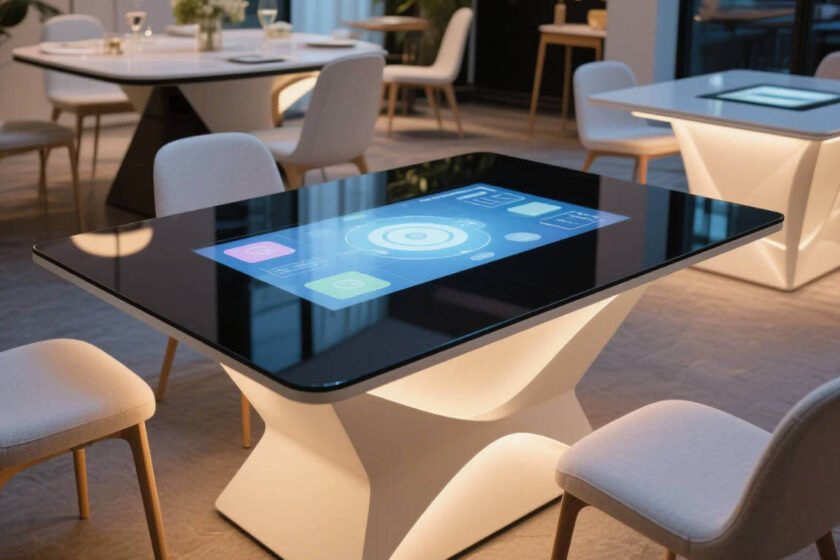
If you are currently evaluating different designs, browsing a specialized interactive touch table selection can help you visualize the integration. Look for designs that emphasize a seamless glass top and a sturdy base. The right hardware should disappear into your architecture while providing a robust interface for users.
For projects where liquid exposure is a primary concern, the U-Model smart interactive touch table is a highly recommended choice. It features an IP65 surface waterproof rating and offers custom sizing to meet specific space requirements. Choosing a model with a dedicated waterproof surface ensures that your interactive investment remains a long-term asset.
Conclusion
A touch screen table with surface waterproofing is the only logical choice for public and commercial applications. To protect your investment, you must prioritize IP65-rated surfaces and PCAP touch technology to ensure durability against spills and cleaning agents. By focusing on these functional requirements, you create a resilient digital environment that enhances user engagement for years to come.
FAQ
1. Does “waterproof” mean the entire table can be submerged?
No, in most cases, “surface waterproof” means the front display area is sealed. The internal PC and ports are usually protected but require proper ventilation. Always check the manufacturer’s specific IP rating for both the front and the rear of the device.
2. Can I use a touch screen table with wet hands?
Yes, if the table uses PCAP (Projected Capacitive) technology. This technology is designed to detect the electrical properties of a finger. Professional-grade tables are calibrated to maintain touch accuracy even if the user’s hands are slightly damp.
3. Is the waterproof glass also scratch-resistant?
Most waterproof tables use thermally tempered glass with a hardness rating of 7H or higher. This makes them highly resistant to scratches from keys, pens, or jewelry. Combining waterproofing with high surface hardness is essential for maintaining a clear display over time.
4. How do I clean a waterproof interactive touch screen table?
You can use a soft cloth with a standard glass cleaner or a 70% isopropyl alcohol solution. Avoid using abrasive sponges that could damage any anti-glare coatings. The sealed surface prevents cleaning fluids from leaking into the delicate electronic components.
Reference Sources
IEC – IEC 60529: Degrees of protection provided by enclosures
AVIXA – Standards for Interactive Display Systems
NIST – Evaluation of Touch Screen Performance and Durability