Maximizing Engagement with Interactive Touch Screen Table
In my career as a digital workspace strategist, I have noticed a significant shift in how people interact with data. Passive viewing is no longer sufficient for modern retail or corporate environments. Organizations now require a hub that fosters immediate, shared interaction. An interactive touch screen table transforms a static room into a dynamic collaborative environment. Unlike individual tablets, these tables encourage a “huddle” effect, where multiple participants can manipulate content simultaneously. This communal approach is vital for everything from architectural planning to interactive museum exhibits. By focusing on multi-user intelligence and hardware versatility, you can create a high-impact digital touchpoint that stands out in any facility.
Transforming Passive Viewing into Active Collaborative Intelligence
The horizontal orientation of an interactive touch screen table fundamentally changes human behavior. It breaks down the barrier between the presenter and the audience. Instead of watching a screen, users become active participants in the digital experience. This shift is particularly effective in high-stakes decision-making environments.
Streamlining Group Decision Making
In boardrooms or command centers, the ability to view a large-scale map or blueprint is essential. Multiple team members can gather around the interactive touch screen tables to annotate files in real-time. This eliminates the need for multiple screen shares or physical printouts. A high-performance interactive touch screen table acts as a central nervous system for complex project management.
Enhancing Retail Dwell Time
In high-end showrooms, these tables serve as a self-service configuration tool. Customers can browse car colors, interior finishes, or floor plans at their own pace. I have seen retail dwell time increase by over 30% when these hubs are introduced. Engaging customers through a touch screen interactive table builds a deeper emotional connection with the product.
Technical Standards for High-Performance Multi-Touch Surfaces
When evaluating an interactive touch screen table, the responsiveness of the surface is the most critical metric. If the device lag is noticeable, the user experience collapses. You must look for hardware that supports high-speed data processing and smooth tactile feedback.
Deciphering Touch Response and Latency
The best interactive touch screen tables utilize advanced sensors that recognize at least 10 to 40 simultaneous touch points. This ensures that even with several people touching the screen, the system remains fluid. Look for a polling rate that minimizes “input lag” to less than 10 milliseconds. Low latency is the hallmark of a professional-grade interactive touch screen table designed for group interaction.
Assessing Hardware Integration and Connectivity
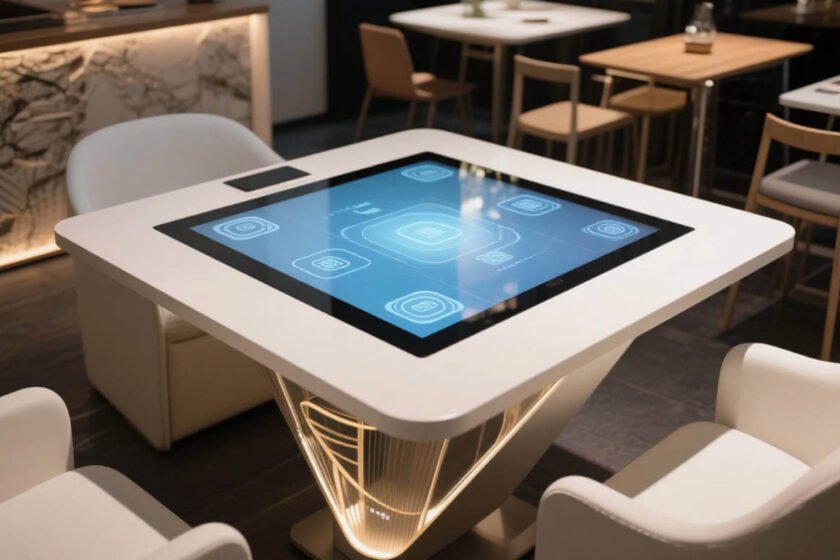
A professional table is more than just a monitor on legs; it is a fully integrated workstation. It should feature hidden cable management and high-speed ports for external devices. Many systems come with integrated industrial-grade PCs that run 24/7 without overheating. Seamless hardware integration ensures that your touch screen interactive table remains a reliable asset for years.
Customization and Versatility in Interactive Touch Screen Activity Tables
In sectors like early education and elderly care, “one-size-fits-all” hardware rarely works. This is where interactive touch screen activity tables become specialized tools. These devices require specific heights and software configurations to meet the physical needs of their users.
Ergonomic Accessibility for All Ages
Human-centered design is a core requirement, supported by ISO ergonomics standards. For children, the table must be low enough to prevent arm fatigue during long sessions. In senior care, the interface should feature high contrast and large touch targets. The versatility of interactive touch screen activity tables allows for inclusive digital experiences across all demographics.
Branding and Aesthetic Integration
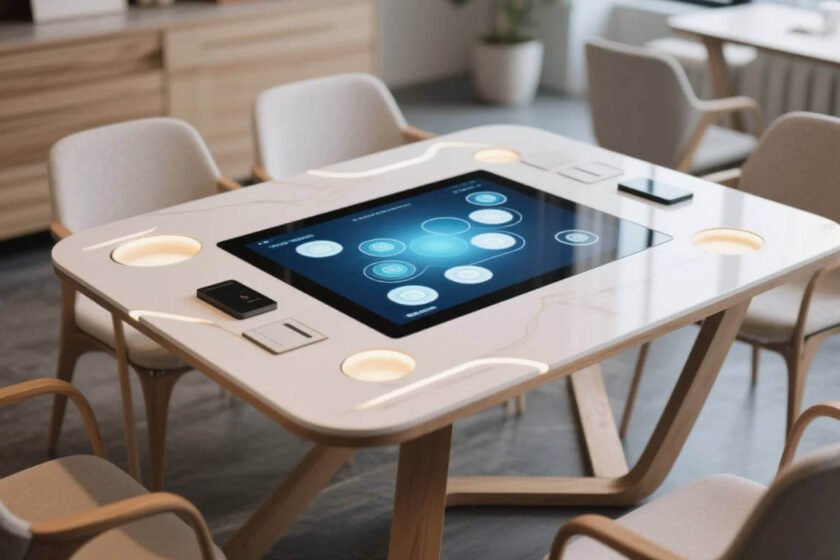
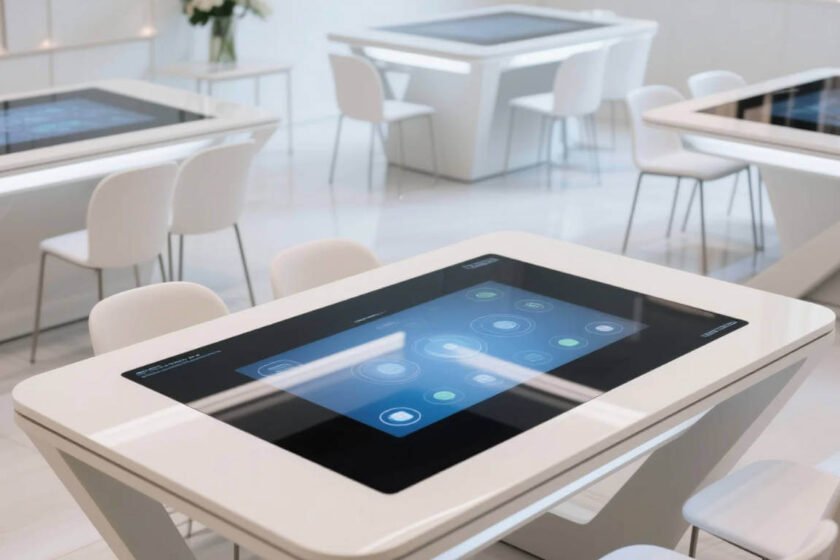
Your digital furniture should complement your physical architecture. Many manufacturers now offer custom frame materials, from sleek brushed aluminum to high-end wood veneers. You can even apply custom branding or LED accents to the base of the table. Customized interactive touch screen activity tables serve as both a high-tech tool and a powerful branding statement.
Strategic Selection for Collaborative Ecosystems
Choosing the right interactive interface requires balancing processing power with physical durability. You must determine whether your software requires the high-end graphics of a dedicated GPU. Additionally, consider the floor space availability and whether the unit needs to be mobile or fixed. A well-chosen table should grow with your organization’s digital strategy.
If you are looking for a versatile range of hardware form factors, exploring a professional interactive touch table collection is essential. These resources categorize devices by their specific functional strengths and display technologies. Selecting the correct category ensures your hardware aligns with your operational goals and budget.
For environments where physical footprint and custom dimensions are a priority, the Smart interactive touch table X-Model is a standout choice. This model offers the flexibility of custom sizing and a reinforced frame design. It provides a stable platform for high-intensity group engagement while maintaining a sophisticated aesthetic. The right model acts as a physical extension of your digital workflow.
Conclusion
Maximizing the value of an interactive touch screen table requires a focus on multi-user collaborative intelligence and ergonomic customization. To ensure a successful deployment, you must prioritize high touch-point density and industrial-grade integration to foster fluid group interaction. By adhering to these functional standards, you build a resilient and engaging digital hub that bridges the gap between digital content and human connection.
FAQ
1. How many touch points does a professional touch table need?
For effective group collaboration, a table should support at least 20 touch points. This allows up to four people to use both hands for complex gestures like pinching and zooming. High touch-point support prevents software glitches during multi-user collaborative sessions.
2. What is the best height for an interactive touch screen activity table?
Standard heights range from 50cm for children to 75cm for sitting adults. Motorized adjustable stands are also available for maximum inclusivity. Correct ergonomic height is essential for preventing neck and wrist strain during prolonged interactive use.
3. Can I run standard Windows or Android apps on a touch table?
Yes, most interactive touch screen tables are powered by integrated Windows or Android PCs. This allows you to run everything from web browsers to custom architectural software. Hardware flexibility ensures that your touch screen interactive table remains compatible with evolving software trends.
4. Are these tables suitable for high-traffic public areas?
Yes, provided they feature industrial-grade tempered glass and a robust metal frame. The glass should have an anti-glare coating to maintain visibility under bright overhead lights. Choosing durable construction materials is the best way to protect your interactive touch screen table in public settings.
5. What maintenance is required for the touch surface?
Modern surfaces are very low maintenance, requiring only regular cleaning with a soft microfiber cloth. You should avoid abrasive chemicals that can damage the anti-fingerprint coating. Proper surface care ensures the interactive touch screen table remains clear and responsive for its entire lifecycle.
Reference Sources
AVIXA – Audiovisual and Integrated Experience Association Standards
IEC – International Electrotechnical Commission Display Standards
NIST – Information Technology Laboratory Display Metrics
Wikipedia – Multi-touch Technology and Human Interface Devices