Is Dual Display Interactive Kiosk Right for Your Mall?
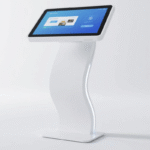
Yes, a Dual display interactive kiosk is an essential upgrade for modern malls. It doubles the digital real estate without increasing the physical floor footprint. You can provide wayfinding on one screen while running high-margin advertisements on the second. This simultaneous functionality increases user engagement by approximately 40% over single-screen units. By offering independent interactions, you eliminate bottlenecks in high-traffic mall zones.
Malls thrive on visitor experience and efficient information flow. I have seen how dual-screen systems reduce the perceived wait time for shoppers. One display acts as a passive billboard for promotions. The other serves as an active touchpoint for store directories or loyalty sign-ups. This hardware configuration is a strategic asset for mall owners looking to modernize their space.
Investing in a high-quality kiosk also future-proofs your digital infrastructure. These units often feature industrial-grade components designed for 24/7 operation. They withstand the heavy usage typical in public retail environments. In the following sections, I will break down the specific technical and operational benefits of these advanced systems.
Why Malls Need a Dual Display Interactive Kiosk?
A Dual display interactive kiosk solves the problem of competing priorities in retail spaces. Standard signage forces a choice between showing a map or an ad. Dual-screen models allow both to coexist perfectly. This leads to higher dwell times and better customer satisfaction scores. I believe this technology is now the benchmark for smart mall design.
Enhanced Wayfinding and Information Query
Interactive directories are the most utilized features in any large shopping center. Users can search for specific brands or categories on the lower touch screen. The upper screen remains visible to other passersby, showing the mall’s logo or current events. This prevents the kiosk from appearing “closed” while someone is using it. It maintains a constant presence even during active search sessions.
Boosting Advertising Revenue and Brand Visibility
Mall operators can monetize the secondary screen by selling ad slots to tenants. Dynamic video content on a Dual display interactive kiosk captures attention more effectively than static posters. Research suggests that digital ads in malls generate a 30% higher recall rate than traditional media. This creates a new, recurring revenue stream for the property management. The ROI on these units is often achieved through ad sales alone within the first year.
Technical Specs: Dual Screen Touch Table with Windows 10/11
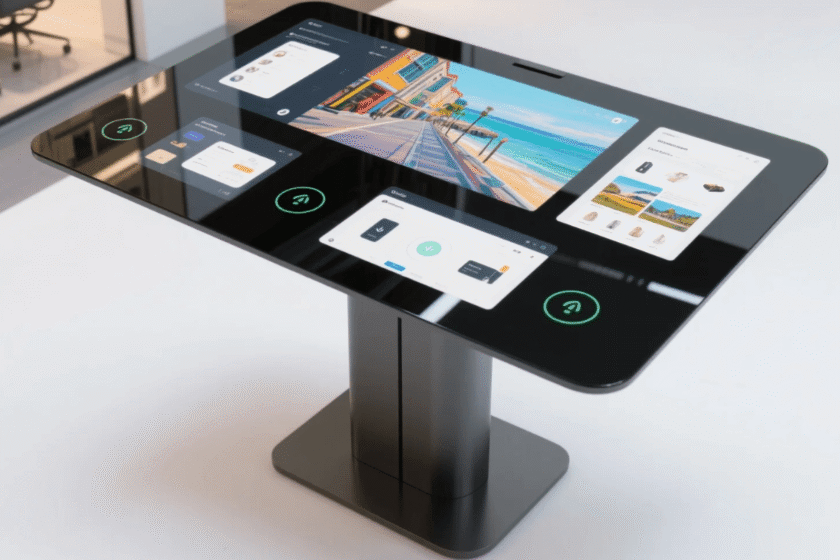
A Dual screen touch table with Windows 10/11 provides a familiar and powerful environment for mall applications. The Windows ecosystem supports complex wayfinding software and high-resolution 4K video playback. It allows IT teams to manage the devices using existing enterprise tools. I have found that Windows-based tables offer superior security and remote management capabilities.
Seamless Integration with Enterprise Software
Running a Dual screen touch table with Windows 10/11 ensures compatibility with most digital signage CMS. You can easily integrate the kiosk with your mall’s existing database of tenants. It supports real-time updates for store changes or temporary pop-up shops. The operating system handles multiple displays with ease, allowing different content on each panel. This reduces the technical overhead for your maintenance and IT staff.
High-Performance Multi-Touch Experience
Modern mall visitors expect the same responsiveness as their high-end smartphones. A Dual screen touch table with Windows 10/11 utilizes capacitive touch technology for fluid interaction. It supports up to 10 points of touch, allowing multiple family members to interact simultaneously. This high sensitivity prevents user frustration and encourages longer engagement. Fast processing power ensures that maps and menus load instantly without lag.
Durability and Maintenance: Waterproof Tempered Glass Touch Screen Table
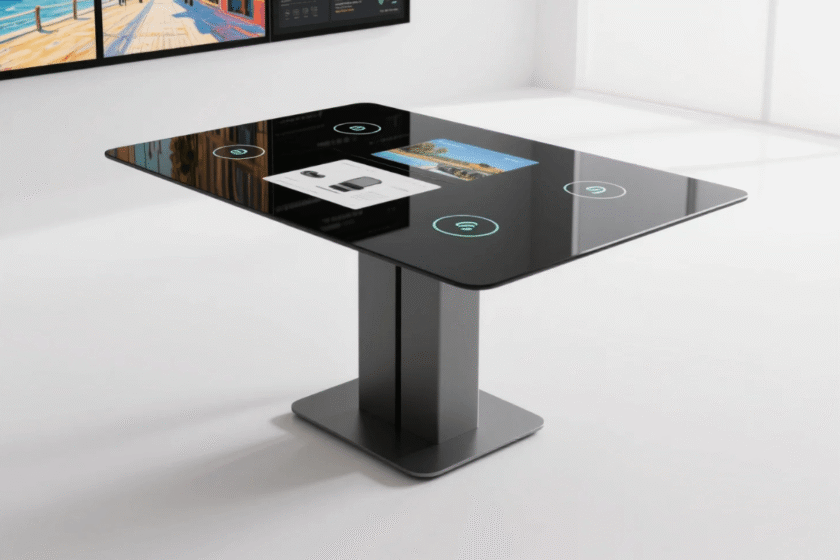
Public spaces demand rugged hardware that can survive spills and physical impacts. A Waterproof tempered glass touch screen table is built specifically for these high-risk environments. The use of 7H hardness glass ensures the screen remains scratch-free even with heavy daily use. I consider durability the most important factor when judging the value of a mall kiosk.
Resisting Damage in High-Traffic Mall Environments
A Waterproof tempered glass touch screen table protects the sensitive electronics from liquid accidents. Shoppers often place drinks or wet umbrellas near information points. Standard screens would short circuit, but these units feature sealed bezels and waterproof surfaces. The tempered glass is also impact-resistant, handling accidental bumps from strollers or shopping carts. This significantly lowers the long-term repair costs for the mall operator.
Hygienic Surfaces and Easy Cleaning Protocols
Malls require frequent cleaning to maintain a professional and safe image. The smooth surface of a Waterproof tempered glass touch screen table is easy to sanitize quickly. It resists chemical cleaners that might degrade cheaper plastic or acrylic screens. Maintaining a clean interface is vital for encouraging shoppers to touch and use the device. High hygiene standards contribute to a more positive overall perception of the shopping center.
Choosing a Custom Dual Screen Touch Table Manufacturer
Selecting a Custom dual screen touch table manufacturer allows you to align the hardware with your mall’s unique branding. You can specify custom colors, logos, and specific screen orientations. I have observed that bespoke designs blend more naturally into high-end retail architecture. Customization ensures that the kiosk feels like an extension of the mall’s identity.
Bespoke Branding and Functional Customization
A Custom dual screen touch table manufacturer can add specific hardware like barcode scanners or RFID readers. These additions enable interactive “treasure hunts” or loyalty program integrations. You can choose different sizes, such as the popular 21.5-inch model, to fit specific hallways or rotundas. Customization also extends to the physical stand, which can be designed to match your interior aesthetic. This level of detail makes the technology appear integrated rather than an afterthought.
Reliability and Long-Term Technical Support
Working directly with a Custom dual screen touch table manufacturer provides better after-sales service. They understand the specific components used in your custom build. They can provide exact replacement parts if a unit is damaged in the field. This relationship ensures your kiosks remain operational with minimal downtime. Reliable manufacturers offer firmware updates that improve performance as software requirements evolve over time.
How to Judge if the Kiosk Fits Your Strategy?
Choosing the right interactive hardware requires a balance between cost and utility. You must determine if a dual-screen unit or a single-screen table is better for your specific location. If the goal is purely information, a simple table might work. However, if you intend to generate advertising revenue, the dual-screen model is essential.
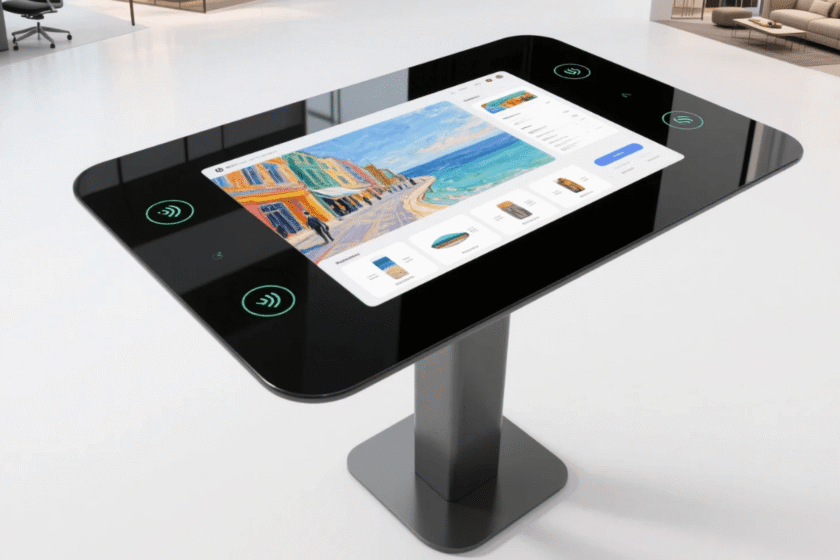
When you evaluate a dual screen touch table with 21.5-inch capacitive display, look at the flexibility of the stand. This model allows for a 0° to 90° adjustment of the display angle. This versatility makes it accessible for children and people in wheelchairs. It also supports both Android and Windows, giving you options for different software budgets.
The final decision should be based on the “dwell time” of your visitors. If your mall has large open spaces where people gather, a rotatable dual-screen kiosk maximizes visibility. It becomes a central hub for interaction and entertainment. Always prioritize units with metal frames and industrial-grade glass to ensure they survive the rigors of the mall floor.
Summary
In conclusion, a Dual display interactive kiosk is a powerful tool for mall wayfinding and revenue generation. Utilizing a Dual screen touch table with Windows 10/11 ensures your software runs smoothly and securely. For longevity in public spaces, a Waterproof tempered glass touch screen table is a mandatory requirement. Partnering with a Custom dual screen touch table manufacturer allows you to tailor the solution perfectly to your brand and shopper needs.
FAQ
1. Can a dual display interactive kiosk run two different operating systems?
Yes, many units can support dual-boot configurations or run different content via a single powerful PC. Most malls use one OS to manage both screens as extended displays. This allows for a unified management experience through a single CMS. You can display a web-based map on one and a high-definition video player on the other simultaneously.
2. Is a waterproof tempered glass touch screen table really necessary for indoor malls?
Absolutely. While it doesn’t rain inside a mall, liquid spills from food courts and cleaning crews are common. A Waterproof tempered glass touch screen table prevents accidental moisture from reaching the controller boards. It also provides the physical toughness needed to resist scratches from keys and jewelry. It is an essential feature for protecting your capital investment.
3. How do I update content on a Dual screen touch table with Windows 10/11?
Updates are usually handled remotely via a wired or Wi-Fi network connection. Since it runs Windows, you can use standard remote desktop tools or dedicated signage software. You can schedule content changes for different times of the day or week. This allows the mall to show “Morning Specials” or “Evening Events” automatically without manual intervention at each kiosk.
4. What is the typical lifespan of these kiosks?
Commercial-grade kiosks from a reputable Custom dual screen touch table manufacturer are built to last 5 to 7 years. They use industrial LED backlighting and high-performance cooling fans. Regular software updates and basic cleaning can extend the functional life even further. Choosing high-quality components upfront reduces the total cost of ownership over the unit’s lifespan.
5. Are these kiosks accessible for users with disabilities?
Yes, if you choose a model with an adjustable angle and height. Capacitive touch is easier to use for people with limited motor skills as it requires zero pressure. Software can also be programmed with “high-contrast” modes or large-text options. Ensuring your Dual display interactive kiosk is ADA-compliant is crucial for a positive public image.
Reference Sources
Grand View Research – Interactive Kiosk Market Analysis
Digital Signage Federation – Best Practices for Retail Environments
Intel – The Future of Retail Signage and Multi-Display Systems