Can Digital Signage Kiosk Enhance Interaction?
I have monitored the evolution of retail and public spaces for over a decade. I can confirm that a digital signage kiosk is the most effective tool for transforming passive viewers into active participants. Static posters provide information, but an interactive kiosk facilitates a two-way conversation between the brand and the consumer. This interaction is the cornerstone of modern customer experience and operational efficiency.
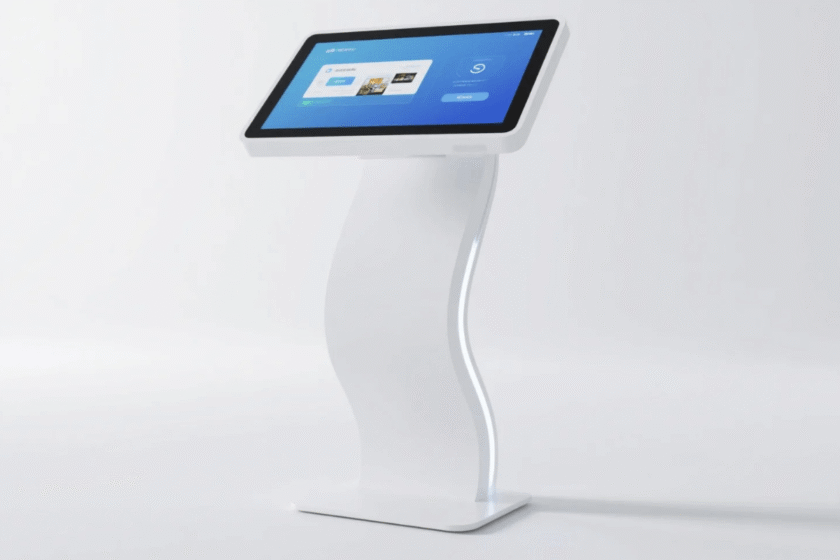
A high-quality digital signage kiosk achieves this by integrating responsive touch technology with dynamic content. According to industry data, interactive displays can increase customer engagement by up to 477% compared to static signage. This is because users prefer to control the information they consume at their own pace. Interaction creates a memorable experience that builds brand loyalty and increases the likelihood of a transaction.
By using an intelligent all-in-one machine, businesses can offer self-service options that reduce perceived wait times. Interaction is not just about fun visuals; it is about solving a user’s problem immediately. Whether it is finding a store or checking product availability, the kiosk provides instant gratification. I believe that any space without these interactive touchpoints is missing a massive opportunity to capture user data and attention.
Enhancing Mall Experiences with Wayfinding Solutions
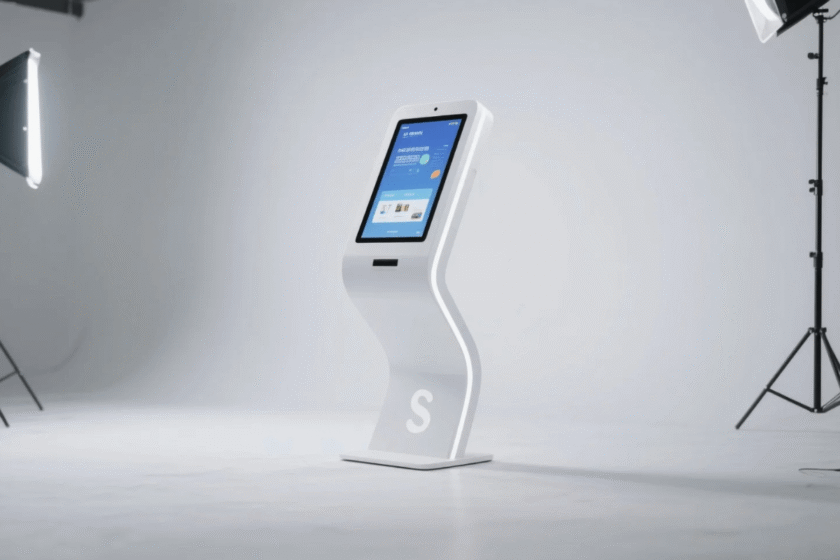
A wayfinding touch screen kiosk for shopping malls is perhaps the best example of functional interaction. These units replace confusing paper maps with intuitive, searchable digital interfaces. I have observed that shoppers feel more confident in large venues when they have a digital assistant available. This confidence leads to longer dwell times and increased spending across different retail zones.
Interactive Navigation Systems
Modern wayfinding software allows users to rotate maps and view 3D floor plans. This visual feedback makes the journey from point A to point B much clearer. Interactive kiosks can also send directions directly to a user’s smartphone via QR codes. This seamless transition from kiosk to mobile is a high-value interaction point for modern consumers.
Retail Integration and Advertising
Wayfinding kiosks do more than just show paths; they promote specific retailers along the route. By touching a store icon, a user can see current sales or exclusive digital coupons. This layer of interaction turns a simple search for a restroom into a personalized shopping recommendation. Data shows that 68% of consumers make purchasing decisions based on information found at the point of sale.
The Technical Foundation of an Interactive Digital Signage Kiosk
The effectiveness of any digital signage kiosk depends heavily on its internal hardware and screen technology. I always emphasize that the “interaction” is only as good as the responsiveness of the touch glass. Modern units utilize 10-point capacitive touch technology to ensure a smooth, smartphone-like experience. This eliminates the frustration of lagging interfaces which can drive users away.
Dual System Touch Screen All-in-One Machine
A dual system touch screen all-in-one machine offers unparalleled flexibility for IT managers. These units can switch between Android and Windows operating systems to accommodate different software requirements. Android is often used for lightweight apps and remote content management. Windows provides the processing power needed for complex 4K interactive graphics or database-heavy tasks.
High Brightness Outdoor Touch Kiosk
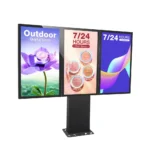
Interaction should not be limited to indoor environments with controlled lighting. A high brightness outdoor touch kiosk allows for clear visibility even under direct sunlight. Most high-quality outdoor units feature brightness levels of 2000 nits or higher. They also include intelligent temperature control systems to protect the internal hardware from extreme weather. This ensures that the interaction remains consistent 24/7, regardless of the outdoor conditions.
Strategic Sourcing for Business Growth
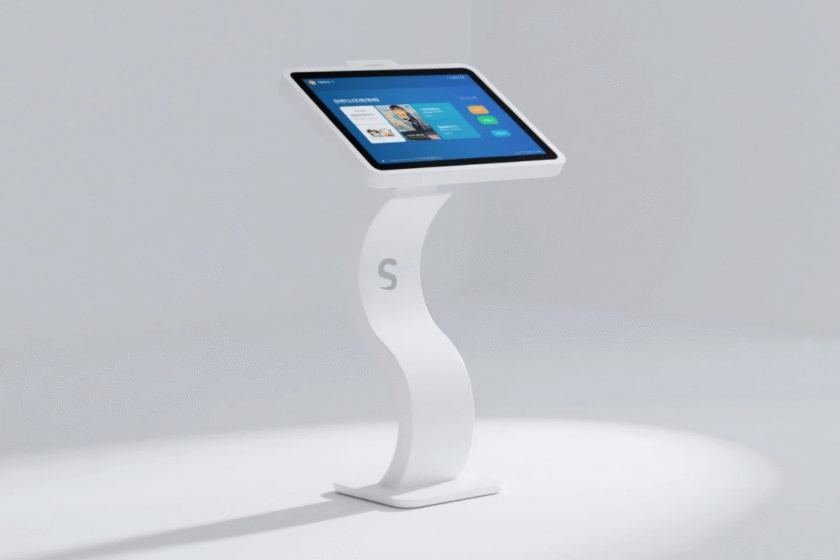
When looking for a wholesale interactive digital signage kiosk, price is often a primary concern for businesses. However, I believe that the total cost of ownership is more important than the initial purchase price. Reliable wholesale partners provide units that are built for 24/7 industrial use. This reduces long-term maintenance costs and prevents the embarrassment of a “black screen” in a public area.
Durability and Material Quality
The best kiosks feature aluminum alloy frames and tempered glass faces. These materials protect the sensitive electronics from high-traffic wear and vandalism. In a wholesale environment, choosing standardized components ensures that repairs are quick and easy. Industrial-grade screens also offer longer lifespans, often reaching 50,000 hours of continuous operation.
Remote Management and Scalability
A wholesale interactive digital signage kiosk deployment is easier to manage when it supports remote content updates. This allows a single administrator to change promotions across hundreds of kiosks simultaneously. Scalability is essential for growing businesses that want to maintain a consistent brand voice. Remote diagnostics also help in identifying hardware issues before they impact the user experience.
How to Judge the Best Kiosk for Your Interaction Needs
Choosing the right interactive display requires a balance of aesthetic design and technical capability. You must first determine the primary goal of your installation to select the correct screen size and system. If your goal is high-volume self-service, a larger 55-inch or 65-inch screen is usually preferred. For simple information inquiry, a more compact 43-inch model may be sufficient for your space.
When evaluating a touch screen kiosk intelligent all-in-one machine, consider the frame’s thickness and the glass’s coating. An ultra-thin design allows for a modern, sleek appearance that blends into high-end interiors. You should also check for “AG” or anti-glare coatings if the unit will be placed near large windows. These details significantly affect how comfortable users feel while interacting with the display for extended periods.
In my professional opinion, the internal processor is the most overlooked factor in the purchase decision. A slow processor will cause the touch interface to stutter, which ruins the interactive experience. You should look for systems with at least 4GB of RAM and high-speed SSD storage. These components ensure that high-resolution videos and interactive maps load without any noticeable delay. Always ask your supplier for a live demonstration of the software speed before committing to a large order.
Summary
A digital signage kiosk enhances interaction by providing a responsive, personalized, and efficient way for users to access information. By utilizing a dual system touch screen all-in-one machine, businesses gain the versatility needed for various applications. Whether it is an outdoor high-brightness model or a shopping mall wayfinding unit, the goal is always the same: active engagement. Investing in high-quality hardware ensures that this interaction remains a valuable asset for years to0.
FAQ
1. What is the difference between capacitive and infrared touch screens in kiosks?
Capacitive touch screens utilize the electrical properties of the human body to detect touch. They offer a smoother, more accurate experience and are usually found on high-end all-in-one machines. Infrared touch screens use a grid of light beams and are better for outdoor or heavy-duty use. Infrared units can be used with gloves, making them versatile for colder climates.
2. Can I update the content on my digital signage kiosk remotely?
Yes, most modern kiosks are compatible with CMS (Content Management Systems) that allow for remote updates. You can upload new videos, images, or interactive apps through a web-based dashboard. This is a critical feature for businesses with multiple locations. It ensures that your messaging remains current and synchronized across your entire network.
3. Is a high brightness outdoor touch kiosk waterproof?
Yes, high-quality outdoor kiosks are rated with IP55 or IP65 waterproof and dustproof standards. They feature specialized sealing and drainage systems to prevent water from entering the internal electronics. They are also designed with high-strength tempered glass to resist physical impacts. Always confirm the IP rating with your supplier before installing a unit in an unsheltered area.
4. Why would I need a dual system touch screen all-in-one machine?
A dual system allows you to run both Android and Windows on the same hardware. This is useful if you have a legacy Windows-based inventory system but want to use modern Android apps for customer interaction. It provides a safety net for future software changes without needing to replace the hardware. You can switch between systems depending on the specific task at hand.
5. What are the best locations for a wayfinding touch screen kiosk for shopping malls?
The most effective locations are high-traffic entry points, major intersections, and near elevator banks. Placing kiosks in areas where people naturally pause or feel lost maximizes their utility. Ensure there is enough space around the kiosk for multiple users to gather without blocking foot traffic. Visibility is key, so the kiosk should be placed in well-lit areas with clear sightlines.
Reference Sources
Grand View Research – Interactive Kiosk Market Size & Growth
Digital Signage Federation – Best Practices for Interactive Content
Intel – The Future of Intelligent All-in-One Machines in Retail
POPAI (Point of Purchase Advertising International) – Consumer Engagement Statistics