How to Fix Touch Screen Sweaty Hands solution ?
Dealing with a non-responsive interface because of moisture is a common frustration for many users. Whether you are using a smartphone or an industrial terminal, humidity affects signal accuracy. Sweaty fingers create a conductive bridge that confuses capacitive sensors. This often leads to erratic “ghost touches” or a complete lack of response. Finding a permanent touch screen sweaty hands solution requires understanding both software adjustments and hardware enhancements. This guide provides professional insights into resolving these moisture-related performance gaps.
Why Moisture Disrupts Capacitive Touch Performance?
To find a fix, we must understand the physics of touch. Most modern screens use projected capacitive technology to detect input. These sensors measure the change in an electrostatic field when a finger approaches.
The Problem of Surface Conductivity
Sweat contains water and electrolytes, which are highly conductive. When sweat pools on a screen, it creates a larger conductive area than a dry finger. Excessive moisture alters the capacitance levels, making it difficult for the controller to pinpoint the exact touch coordinate. This is why your screen may register clicks you never intended to make.
Ghost Touches and Signal Noise
Moisture can stay on the glass even after you lift your hand. The controller might interpret these leftover droplets as constant input. Ghost touches occur when the touch controller fails to filter out environmental noise caused by sweat or high humidity. This is a frequent issue in high-intensity environments like gaming or industrial kitchens.
Top Hardware-Based Touch Screen Sweaty Hands Solution
The most effective way to handle moisture is at the material level. Professional manufacturers apply specific treatments to the glass to repel liquids. These enhancements ensure the device remains usable even in damp conditions.
Implementing Oleophobic and Hydrophobic Coatings
An oleophobic coating is an oil-repellent layer typically applied during manufacturing. This coating reduces friction and prevents sweat from spreading across the surface. A high-quality oleophobic layer is a vital touch screen sweaty hands solution that helps moisture bead up rather than smear. This keeps the conductive path localized to the fingertip.
The Advantage of Anti-Glare (AG) Etched Glass
Etched glass provides a slightly textured surface compared to smooth, glossy panels. This texture creates tiny air gaps between the finger and the glass. AG etched glass acts as a functional touch screen sweaty hands solution by reducing the surface tension of sweat. It also improves visibility under bright lights by diffusing reflections.
Practical On-Site Fixes and External Aids
If you cannot change the hardware, there are immediate steps to improve response. These methods focus on creating a barrier between the skin and the electronic sensor. They are highly effective for temporary high-stress situations.
Using Conductive Finger Sleeves or Gloves
Many professional gamers use finger sleeves made of conductive silver fiber. These sleeves absorb sweat while allowing the electrical signal to pass through to the screen. Utilizing conductive finger sleeves is a low-cost touch screen sweaty hands solution for users requiring high precision. It eliminates the friction caused by damp skin dragging on glass.
Screen Protectors and Hydrophobic Sprays
Aftermarket screen protectors often come with specialized coatings. You can find “matte” protectors that mimic the feel of etched industrial glass. Applying a hydrophobic screen protector can significantly reduce the impact of sweaty hands on consumer electronics. Some users also apply hydrophobic sprays, though these must be used with caution to avoid damaging ports.
Determining the Best Interactive Hardware for High-Moisture Areas
How do you judge if a touch system is suitable for environments where users likely have wet hands? You must analyze the controller’s firmware and the glass treatment standards. Not all displays are built to handle public or industrial-level stress.
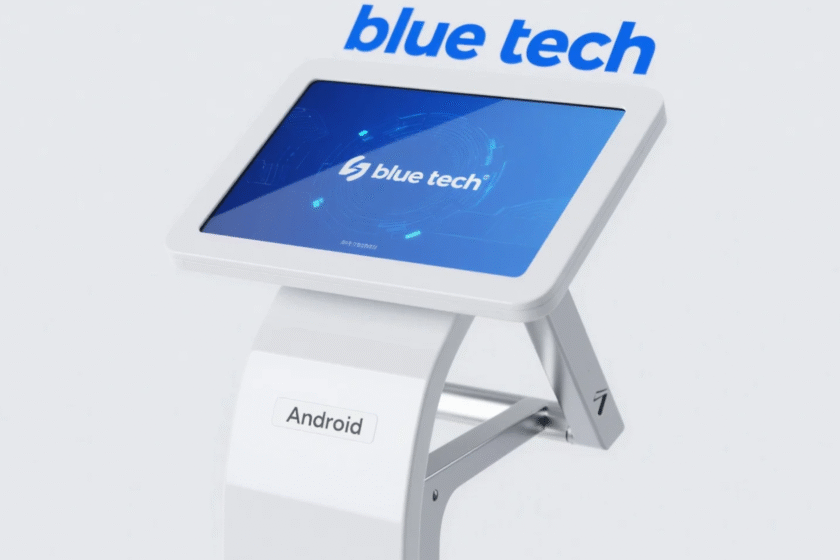
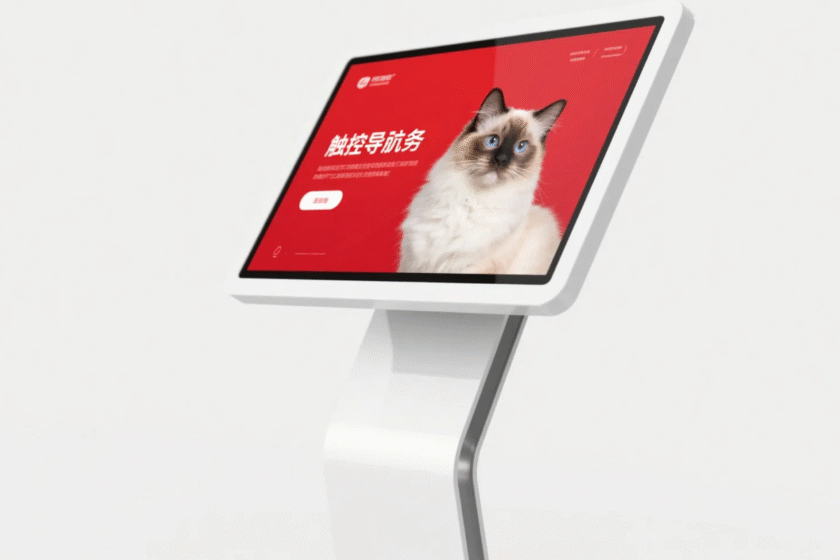
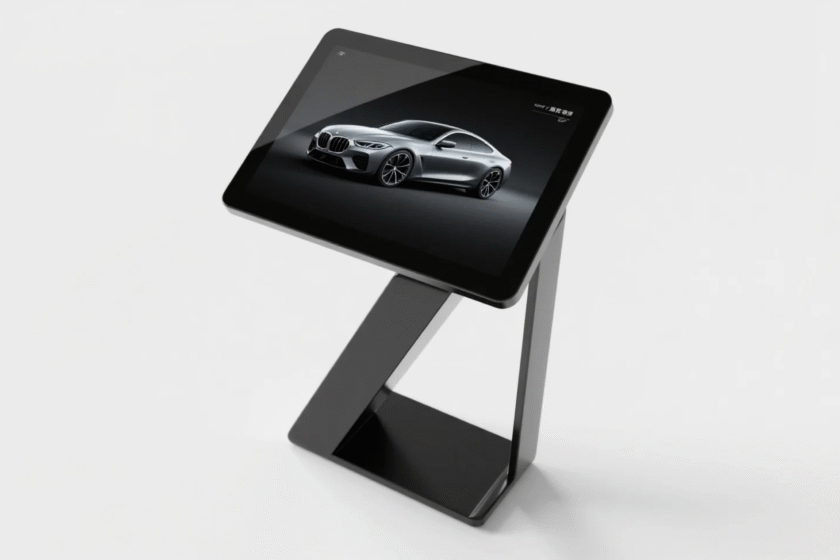
When selecting a terminal for a professional setting, looking at the ingress protection (IP) rating is the first step. You need a device that ignores surface noise while maintaining high sensitivity. For projects requiring a robust interface, the touch screen kiosk intelligent all-in-one machine is an excellent choice. It is designed with industrial-grade touch controllers that can be calibrated for various environments. Choosing a machine with advanced palm rejection and moisture filtering is the ultimate touch screen sweaty hands solution for public spaces.
Always verify if the hardware allows for sensitivity tuning via the BIOS or driver settings. Professional-grade machines often allow technicians to increase the “touch threshold.” The right hardware selection ensures that your digital services remain accessible regardless of the user’s physical condition.
Conclusion
The core touch screen sweaty hands solution involves using etched anti-glare glass or applying oleophobic coatings to reduce surface conductivity. To ensure long-term reliability in high-moisture environments, businesses must prioritize industrial-grade hardware with specialized touch controllers. By combining proper surface treatments with the right hardware calibration, you can eliminate ghost touches and maintain a seamless user experience.
FAQ
1. Can a screen protector help with sweaty hands?
Yes, especially matte or etched protectors. These provide a physical texture that prevents sweat from creating a large conductive film. A matte screen protector is a common and effective touch screen sweaty hands solution for mobile users.
2. Why does my screen work better after I wipe it?
Wiping the screen removes the pooled electrolytes found in sweat. This restores the baseline capacitance of the electrostatic field. Keeping the screen dry is the simplest way to prevent moisture-related touch lag.
3. Are some touch screens naturally better for sweat?
Yes, screens using Projected Capacitive (PCAP) technology with industrial controllers are superior. These controllers are programmed to filter out “large-area” conductive signals like water or sweat. Selecting a device with an industrial-grade PCAP sensor is the best long-term touch screen sweaty hands solution.
4. Is it safe to use baby powder to keep hands dry?
While it keeps hands dry, the fine powder can enter the device’s ports or build up in the corners of the screen. Over time, this can cause mechanical damage or block cooling fans. Using finger sleeves is a much safer alternative than using powders near sensitive electronics.
5. What is the role of oleophobic coatings?
Oleophobic coatings repel the oils and moisture from your skin. While they wear off over time, they are essential for keeping the surface smooth and responsive. Maintaining a fresh oleophobic layer is a critical maintenance step for any professional touch screen sweaty hands solution.
Reference Sources
IEEE — Sensors Council and HMI Standards