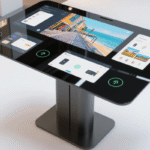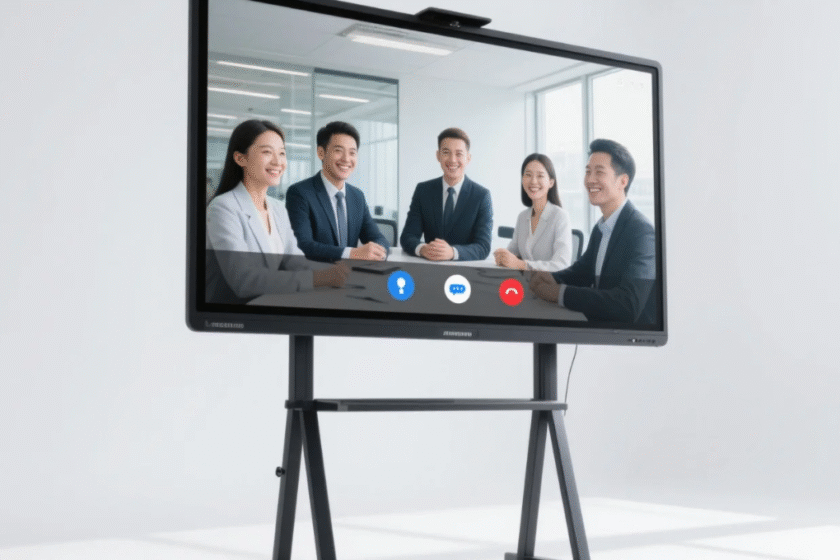
Does Smart Board Support Wireless Screen Mirroring?
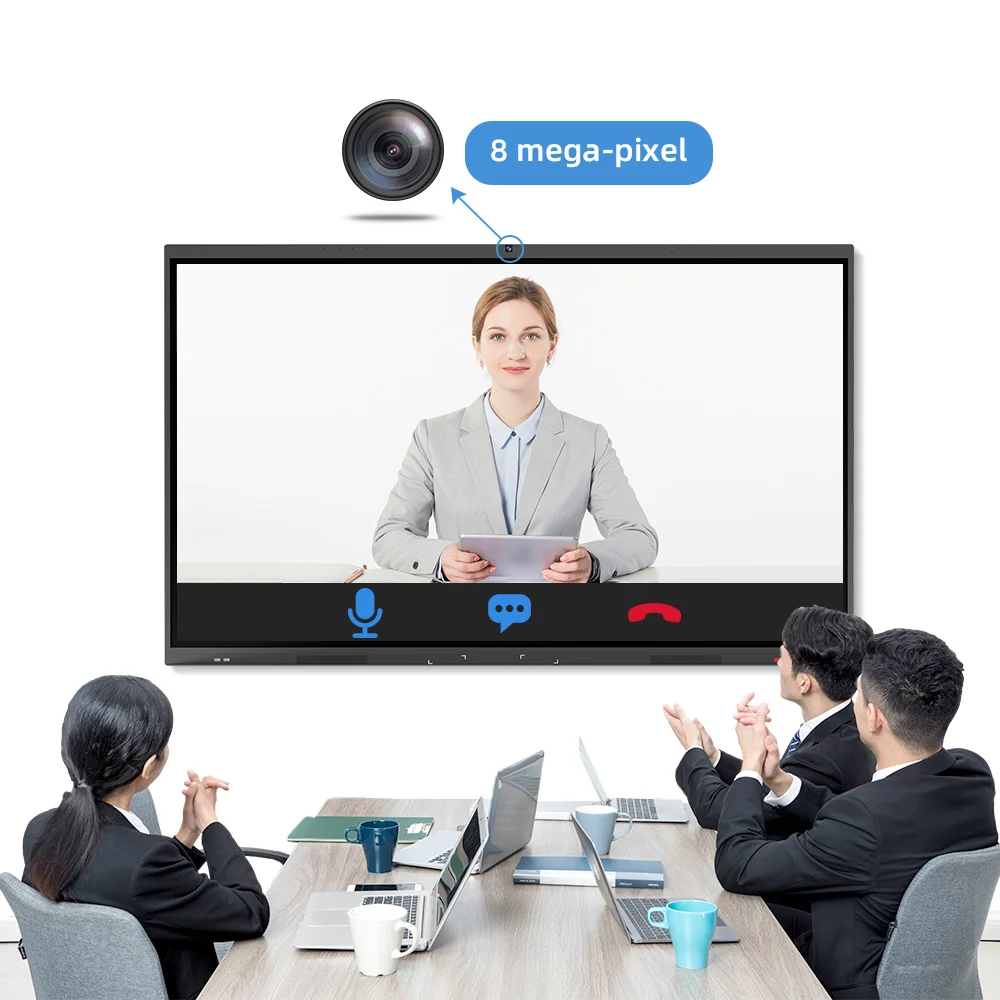
Modern digital workspaces rely on fast, cable-free communication to maintain productivity. If you are asking whether a Smart conference whiteboard supports wireless screen mirroring, the answer is a definitive yes. Leading interactive displays now integrate advanced Wi-Fi modules and software protocols to allow instant sharing from laptops, tablets, and smartphones. This feature eliminates the need for messy HDMI cables and adapters in professional meeting environments.
A high-quality Smart conference whiteboard acts as a centralized hub for all your presentation needs. By utilizing protocols like AirPlay, Miracast, and Chromecast, these boards provide a universal platform for different operating systems. Wireless screen mirroring on smart boards enables multiple users to cast their screens simultaneously, fostering real-time collaboration. This capability is essential for hybrid teams where seamless data visualization determines the speed of decision-making.
Beyond simple display functions, these units often support “touch-back” control. This means you can operate your computer directly from the whiteboard surface. In this article, I will explain the technical requirements for stable mirroring and how to choose the right hardware. We will look at data regarding resolution standards and network bandwidth. By the end, you will understand the full potential of these interactive tools for your business.
How Wireless Mirroring Functions on a Smart Conference Whiteboard?
The performance of a Smart conference whiteboard depends on its internal processing power and connectivity standards. Most professional boards utilize a dedicated 5GHz Wi-Fi band to ensure low-latency streaming. This is vital for playing high-definition videos or running complex software during a live presentation. Stable wireless mirroring requires a minimum network speed of 15-25 Mbps for 4K content delivery.
Protocol Compatibility Across OS Platforms
Interactive boards must be versatile to handle diverse office devices.
-
AirPlay: Native support for Apple devices, allowing MacBooks and iPhones to cast instantly.
-
Miracast: Essential for Windows and Android users to provide a stable peer-to-peer connection.
-
Chromecast: Google’s protocol which is widely used for browser-based casting.
A Smart conference whiteboard that supports all three protocols ensures that guest presenters can connect without installing extra drivers.
Latency and Resolution Standards in 2026
Latency is the primary concern for users switching from wired to wireless. Modern boards reduce input lag to under 100 milliseconds, which is virtually unnoticeable to the human eye. Most top-tier displays now feature 4K (3840 x 2160) resolution as a standard. High-resolution mirroring ensures that fine text and technical drawings remain sharp during collaborative sessions. You should ensure your board has a 60Hz refresh rate for the smoothest visual experience.
Finding the Best Budget Smart Board for Small Business
Small businesses often struggle to balance high-end features with limited capital. The Best budget smart board for small business is one that offers essential mirroring features without unnecessary software bloat. You do not need to spend tens of thousands of dollars to get a reliable collaborative tool. Focus on the core hardware quality and the ease of the user interface.
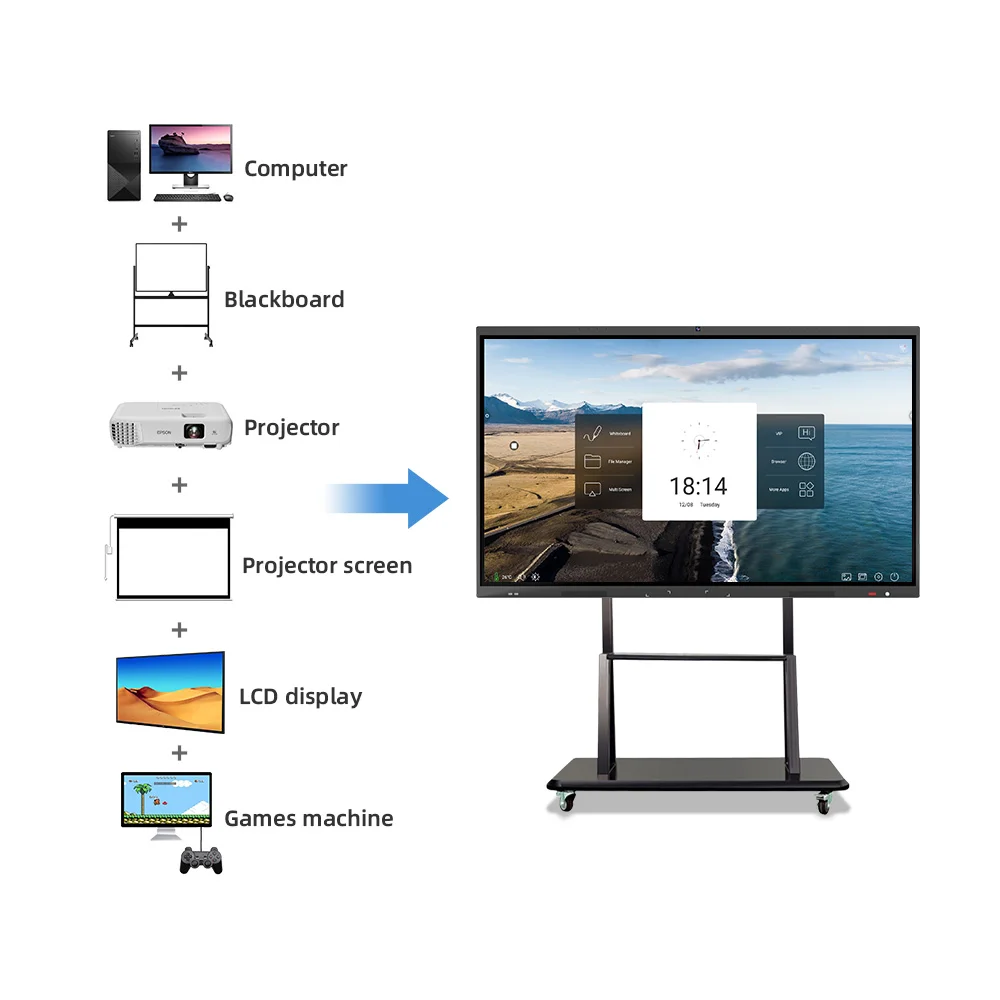
Benefits of a 75 Inch Interactive Whiteboard with Mobile Stand
Size matters when it comes to visibility in medium-sized rooms. A 75 inch interactive whiteboard with mobile stand is the industry sweet spot for most professional offices. It provides enough surface area for detailed annotation while remaining manageable in tight spaces.
-
Visual Impact: Large enough for 10-12 people to see clearly.
-
Flexibility: The mobile stand allows the board to be shared between different departments.
-
Cost-Effectiveness: 75-inch panels have become more affordable due to mass production efficiencies.
Choosing a 75-inch model with an integrated stand maximizes your return on investment through versatility.
Utility of a Portable Smart Board on Wheels
Mobility is a major trend in agile office designs. A Portable smart board on wheels allows for spontaneous “huddle” meetings anywhere in the building. These units often feature built-in battery options or long power cables for easy positioning.
-
Space Optimization: Move the board to the corner when not in use to free up floor space.
-
Cable Management: Integrated stands hide power bricks and accessory trays.
-
Durability: High-quality casters include locks to prevent the board from moving during active writing.
A Portable smart board on wheels transforms any open space into a functional conference room in seconds.
Essential Technical Standards for Smart Conference Boards
When evaluating a Smart conference whiteboard, you must look beyond the screen itself. The software ecosystem and security protocols are equally important. Many companies now require AES-128 bit encryption for wireless data transmission. This prevents unauthorized users from intercepting your sensitive meeting data over the air.
Security and Guest Access Protocols
Modern boards offer “Guest Wi-Fi” hotspots. This allows visitors to mirror their screens without joining your primary corporate network. This isolation is a critical security standard for protecting internal servers. You should check if the board allows for PIN-code authentication before casting. Secure wireless mirroring prevents accidental casting from neighboring rooms or malicious unauthorized access.
Real-time Annotation and Cloud Integration
Mirroring is more effective when you can write over the shared content. Most Smart conference whiteboard models allow for “Digital Overlays.” You can highlight parts of a spreadsheet or a website while it is being cast from a laptop. These annotated screenshots can then be saved directly to cloud services like Google Drive or OneDrive. Cloud-integrated annotation bridges the gap between live presentations and post-meeting documentation.
How to Judge the Reliability of Collaborative Hardware?
Choosing the right technology requires a judgment of the manufacturer’s engineering standards. High-end collaborative boards share many structural similarities with industrial electronic systems. Reliability starts with the stability of the internal power and control units. Just as a smart board needs consistent performance, industrial machinery relies on precise variable speed drives to function.
When sourcing infrastructure for a modern office, hardware longevity is the most important judgment factor. You should look for systems that use durable components designed for 24/7 operation. For those managing technical facilities alongside office spaces, exploring high-precision electronic controllers can ensure overall site stability. You may find it helpful to review technical specifications of high-performance units like the Schneider ATV12H018M2X to understand the engineering standards required for long-term electronic health.
The best judgment criterion is the support for future firmware updates. A Smart conference whiteboard should receive regular security patches and feature enhancements for at least five years. Ensure the manufacturer has a local support network for hardware repairs. Reliability in the “back-end” hardware ensures that your meetings are never interrupted by technical failures. Always prioritize boards with high-grade internal cooling to prevent processor throttling during long sessions.
Summary
In conclusion, a Smart conference whiteboard definitely supports wireless screen mirroring through protocols like Miracast and AirPlay. For small businesses, the Best budget smart board for small business is often a 75 inch interactive whiteboard with mobile stand. This setup provides the perfect balance of visibility and flexibility. By choosing a Portable smart board on wheels, you ensure your collaboration tools are always where they are needed most. Investing in these technologies is a key step toward an efficient 2026 digital office.
FAQ
1. Can I cast multiple devices to a Smart conference whiteboard at once?
Yes, most modern Smart conference whiteboard models support split-screen or multi-device casting. This typically allows 2 to 4 different sources to be displayed simultaneously. This is highly useful for comparing data from different team members during a single presentation. Check the device specifications for “Quad-view” or “Multi-screen” capabilities.
2. Do I need an internet connection for wireless mirroring?
No, you do not always need a global internet connection for basic mirroring. Most boards use a local Wi-Fi Peer-to-Peer (P2P) connection or a local network to transmit the video signal. However, internet access is required if you want to cast content from cloud-based apps or perform real-time software updates.
3. What is the typical lifespan of a portable smart board on wheels?
A professional-grade smart board is typically rated for 30,000 to 50,000 hours of use. If used for 8 hours a day, this equates to roughly 10-15 years of service. The Portable smart board on wheels stand is usually made of heavy-duty steel and can last much longer, provided the casters are maintained.
4. How do I fix lag during wireless mirroring?
Mirroring lag is usually caused by network congestion on the 2.4GHz band. Switching your Smart conference whiteboard to a dedicated 5GHz channel will significantly improve performance. Additionally, ensuring that the source device is within 15-20 feet of the whiteboard will minimize signal interference and dropouts.
5. Are budget smart boards safe for small business data?
Yes, provided they support modern encryption standards. Even the Best budget smart board for small business should include WPA2/WPA3 wireless security. You should also regularly update the board’s firmware to protect against new vulnerabilities. Avoid boards that do not require a passcode for initial connection in public or shared spaces.
Reference Sources
Wi-Fi Alliance – Standards for Wireless Miracast and Connectivity
IEEE (Institute of Electrical and Electronics Engineers) – High-Frequency Communication Standards
AVIXA (Audiovisual and Integrated Experience Association) – Best Practices for Collaboration Tech