How to Secure Your Self Ordering Kiosk Payments ?
Securing a self ordering kiosk is the most critical step for any restaurant transitioning to automated service. Payment security relies on three core pillars: PCI DSS compliance, end-to-end encryption, and physical hardware integrity. To secure payments effectively, restaurant owners must integrate certified payment terminals directly into the kiosk enclosure. This prevents unauthorized tampering and ensures that sensitive card data never enters the kiosk’s local storage. By prioritizing these security measures, businesses protect their revenue and build lasting customer trust.
The global demand for contactless transactions has surged significantly in recent years. Recent industry data shows that over 65% of customers prefer using a self order kiosk to avoid long queues. However, this shift increases the surface area for potential cyber-attacks and physical skimming. Security is not just a technical requirement but a fundamental business necessity. Financial losses from data breaches can reach millions of dollars for mid-sized restaurant chains. Therefore, choosing the right payment architecture is a decision that impacts long-term viability.
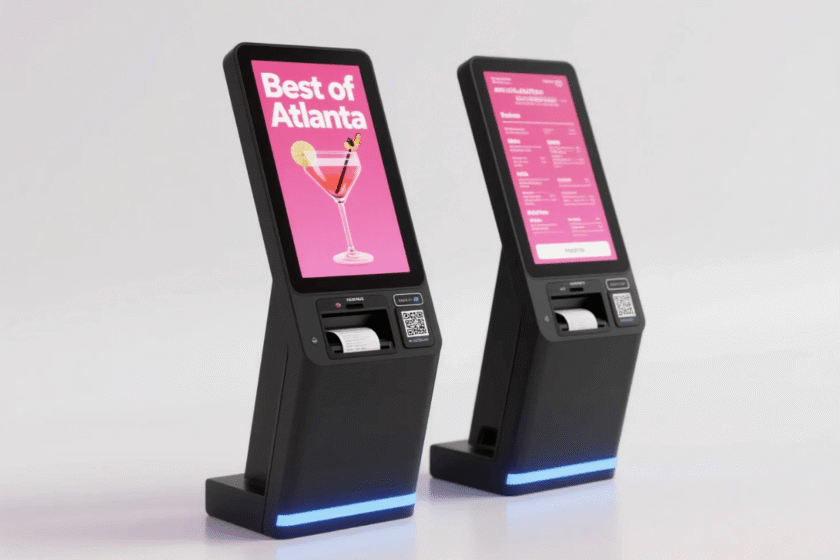
A secure payment environment involves more than just software. The physical design of the self ordering kiosk for restaurants plays a massive role in deterrence. High-quality enclosures must be built from durable materials like cold-rolled steel to prevent forced entry. These units should house the payment terminal in a way that makes skimmer installation impossible. When hardware and software work in harmony, the risk of data theft drops to near zero. This article provides a comprehensive roadmap for securing your digital ordering infrastructure.
Essential Compliance Standards for a Self Order Kiosk
Compliance with the Payment Card Industry Data Security Standard (PCI DSS) is mandatory for any business processing card data. For a self order kiosk, this means the software must be isolated from the payment hardware at all times. Data should be encrypted at the moment of the swipe or tap using certified readers. PCI-certified hardware protects your business from heavy fines and potential legal liabilities. Statistical evidence highlights the growing risks, as payment card fraud losses worldwide reached $32.39 billion in recent years.
Implementing EMV Technology and Chip Security
Implementing EMV (Europay, Mastercard, and Visa) chip technology is the most effective way to combat physical card fraud. EMV chips create a unique transaction code for every payment made at a self order kiosk, preventing data duplication. Without EMV support, the liability for fraudulent transactions shifts directly to the restaurant owner. Most modern systems now require chip and PIN or contactless taps to ensure the highest level of user verification.
Utilizing Point-to-Point Encryption (P2PE)
Point-to-Point Encryption (P2PE) ensures that payment data is masked from the moment it enters the card reader. The information remains unreadable until it reaches the secure payment processor, bypassing the kiosk’s main computer. P2PE solutions significantly reduce the scope of PCI audits for restaurant owners. This layered approach ensures that even if the local network is breached, the payment data remains useless to hackers.
Physical Hardware Security for Restaurants
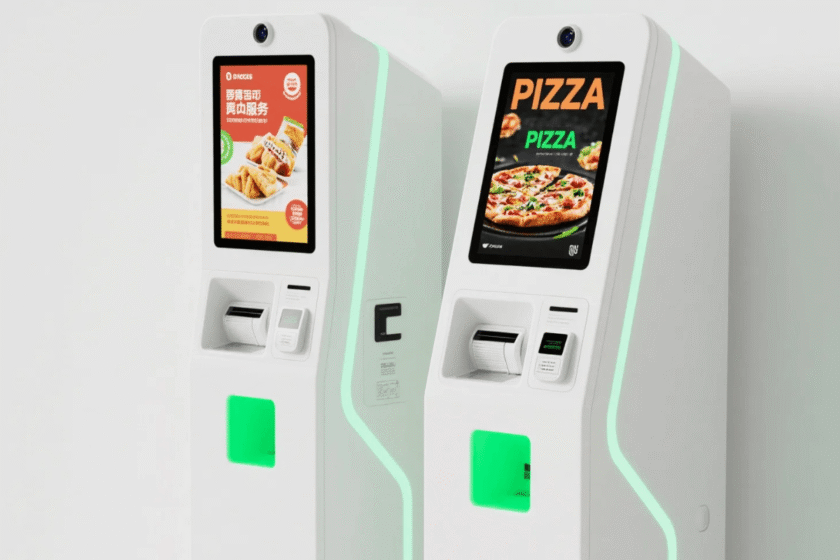
The physical integrity of a self ordering kiosk for restaurants is the first line of defense against theft. Robust enclosures are designed to hide all cables, ports, and power buttons from public access. Professional kiosks feature lockable compartments that only authorized technicians can open with a key. Tamper-responsive payment terminals will automatically shut down if they detect physical interference or forced entry. Choosing a kiosk with a heavy-duty metal frame is essential for maintaining a secure environment in high-traffic areas.
Defensive Design Features of Secure Enclosures
To prevent criminal activity, the kiosk must be engineered to resist the installation of skimming devices. High-quality units use recessed mounting for card readers to ensure a flush fit with the kiosk body. Integrated payment modules are much safer than external readers because they cannot be easily swapped or modified.
Consider the following physical security features during your selection process:
-
Steel Construction: High-gauge cold-rolled steel prevents physical drilling or prying.
-
Internal Cable Routing: All data and power lines are hidden to prevent intercepting signals.
-
Floor Bolting: Securely mounting the unit to the ground prevents the entire kiosk from being stolen.
-
Privacy Screens: Angled displays or filters prevent “shoulder surfing” by other customers in the queue.
Strategic Placement and Monitoring
The location of a self order kiosks restaurants use can impact its overall security profile. Kiosks should be placed in well-lit areas that are within the line of sight of restaurant staff. Active monitoring and regular inspections help identify signs of tampering, such as loose components or overlays. Staff should be trained to check the card slot daily for any unusual attachments or sticky residues. A visible security presence and surveillance cameras further deter potential criminals from targeting your automated systems.
Software Safeguards in Self Order Kiosks Restaurants
Software security for a self order kiosk involves rigorous white-listing of authorized applications. The kiosk operating system should be locked down to run only the ordering software, a practice known as “Kiosk Mode.” This prevents users from accessing the underlying desktop, file system, or internet browser. A locked-down operating system minimizes the risk of malware being installed on the device via the touchscreen. Regular software updates are also crucial to patch any new vulnerabilities discovered in the system.
Advanced Tokenization Methods
Tokenization is a powerful tool used in self order kiosks restaurants to enhance digital security. When a customer pays, their card number is replaced with a unique “token” for that specific transaction. Tokenization ensures that sensitive card numbers are never stored on the kiosk’s hard drive or local server. This process protects the merchant because the token has no value if intercepted by a third party.
-
Data Masking: Only the last four digits of a card are visible to staff or on receipts.
-
Unique IDs: Every transaction generates a one-time use token to prevent replay attacks.
-
Cloud Processing: All sensitive data is handled in a secure, remote vault rather than on-site.
-
Fraud Detection: AI-driven tools monitor token patterns to identify and block suspicious activity instantly.
Network Isolation and VLAN Security
Network security must be treated with equal importance to protect the data transit path. Use a dedicated Virtual Local Area Network (VLAN) for your self ordering kiosk for restaurants to separate traffic. This isolates payment data from the guest Wi-Fi used by customers and other non-secure devices. Encrypted communication protocols like TLS 1.2 are essential for moving data between the kiosk and the cloud. Keeping the payment network isolated prevents cross-contamination if other devices on the site are compromised by viruses.
Choosing the Right Hardware for Secure Payments
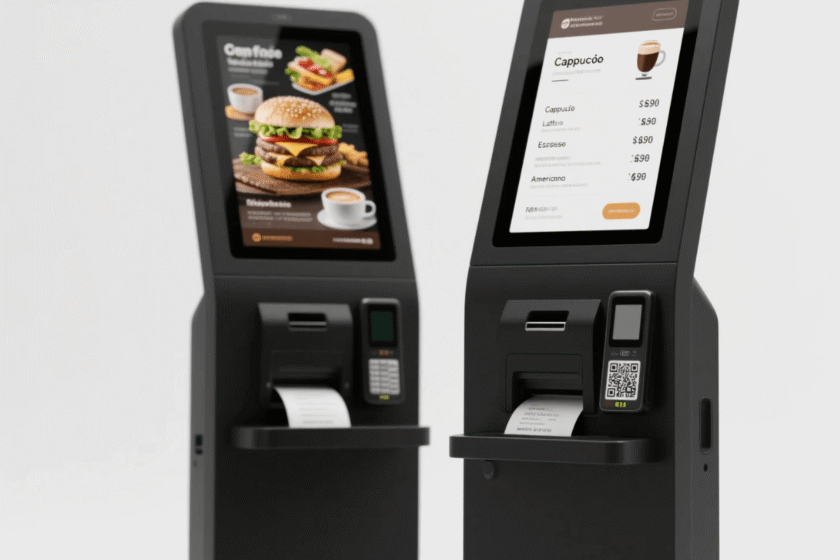
When selecting a self ordering kiosk, the hardware must support the latest global security standards. Look for units that offer modular integration for major payment processors like Ingenico or Verifone. The ability to swap out payment modules ensures your kiosk can adapt to future security technologies. Certified payment mounting kits provide a secure fit for industry-standard terminals, reducing the risk of theft. You can find professional-grade hardware options at the SV Display self-service ordering kiosk category which emphasize both design and physical safety.
Evaluating Build Quality and Vendor Reliability
A reliable vendor should offer a variety of screen sizes to suit different restaurant layouts while maintaining security. The most important factor is how the payment housing is integrated into the main chassis. A secure vendor provides tailored enclosures that fit specific payment hardware brands perfectly without gaps. This precision engineering prevents hackers from inserting “shimmer” devices into the card path. Always ask for technical specifications regarding the internal wiring and electromagnetic shielding of the unit.
Summary
To secure your self ordering kiosk payments, you must combine PCI-certified hardware with P2PE encryption and tamper-resistant enclosures. By isolating payment data from the kiosk’s local system and using tokenization, you can effectively eliminate the risk of data breaches. Prioritizing physical security and network isolation ensures a safe environment for every transaction. This comprehensive approach protects both your customers’ financial information and your restaurant’s long-term reputation.
1. Are self-ordering kiosks safer than traditional registers?
Yes, they often provide higher security because they use integrated, encrypted payment modules that minimize manual card handling. A self ordering kiosk uses P2PE to ensure data is encrypted before it even reaches the restaurant’s internal systems or staff members.
2. What is the most common security threat for kiosks?
The most common threat is physical tampering, such as the installation of card skimmers or shimmers on the reader. Using a recessed, integrated payment terminal housing is the most effective way to prevent this type of physical theft in public spaces.
3. Does a kiosk need a constant internet connection for security?
Yes, a stable and secure connection is required to authorize transactions in real-time and maintain encryption protocols. Real-time authorization prevents the storage of sensitive data on the device, which is a key requirement for remaining PCI compliant.
4. Can I use any payment processor with a self-ordering kiosk?
Most professional kiosks are designed to be modular and can support various global payment processors. Checking for hardware compatibility with your chosen payment terminal is essential before making a purchase to ensure full software and encryption support.
Reference Sources
PCI Security Standards Council – Official Website
Electronic Transactions Association (ETA) – Payment Security Resources