Is Touch Screen Game Table Multi-touch?
Most modern touch screen game table units feature multi-touch technology as a core hardware requirement. These devices typically support 10-point or 20-point multi-touch functionality. This allows several users to interact with the digital surface at the same time. Multi-touch technology is essential for collaborative gaming and complex gestures.
Without multi-touch, a touch screen game table would only recognize one finger at a time. This would limit the device to simple “point and click” interactions. Modern software requires fluid movements like pinching, zooming, and rotating. Multiple points of contact ensure that four or more players can engage in a game together.
The social value of an interactive table relies on this simultaneous input capability. High-performance game tables use specialized sensors to track each finger independently. This prevents “ghosting” or input lag during intense gaming sessions. Professional game tables must provide at least 10 points of touch for a smooth experience.
The Technology Behind Multi-touch Game Tables
Manufacturers utilize different hardware layers to achieve multi-touch sensitivity. The choice of technology affects the response speed and the physical durability of the table. Two primary technologies dominate the current interactive display market.
Projected Capacitive (PCAP) Touch Screens
PCAP is the same technology used in modern smartphones and tablets. It uses a grid of micro-fine wires integrated into a glass layer. When a finger touches the glass, it changes the local electrical field. The controller calculates the exact coordinates of multiple points instantly. PCAP technology offers the highest precision and fastest response times for gaming.
Infrared (IR) Touch Technology
IR touch uses a frame of light-emitting diodes around the screen edges. This creates an invisible grid of infrared light beams across the surface. When an object breaks these beams, the system registers a touch point. IR frames are cost-effective for very large displays. However, they are sensitive to dust and accidental touches from sleeves or jewelry.
Why Multi-touch is Essential for Gaming
A touch screen game table serves as a communal hub for entertainment and information. Multi-touch capability transforms a static screen into a dynamic, shared environment. It supports various interaction styles that are impossible with single-touch hardware.
Supporting Multiple Players Simultaneously
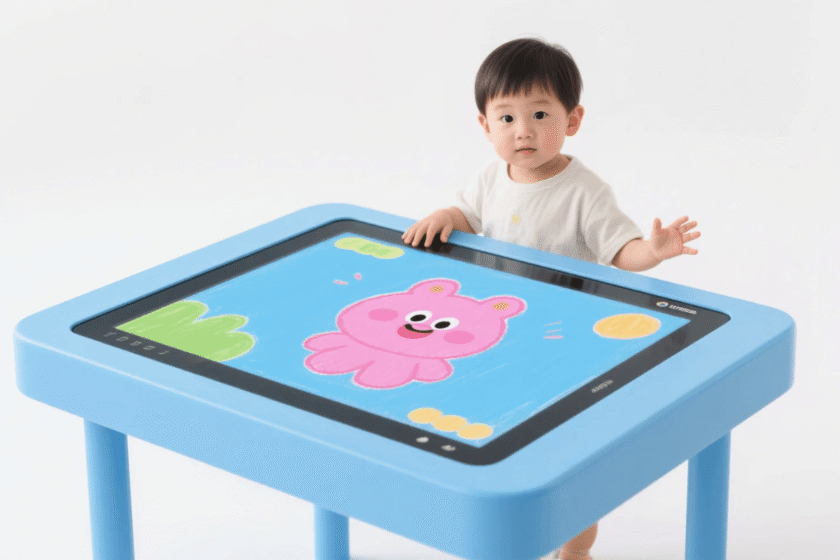
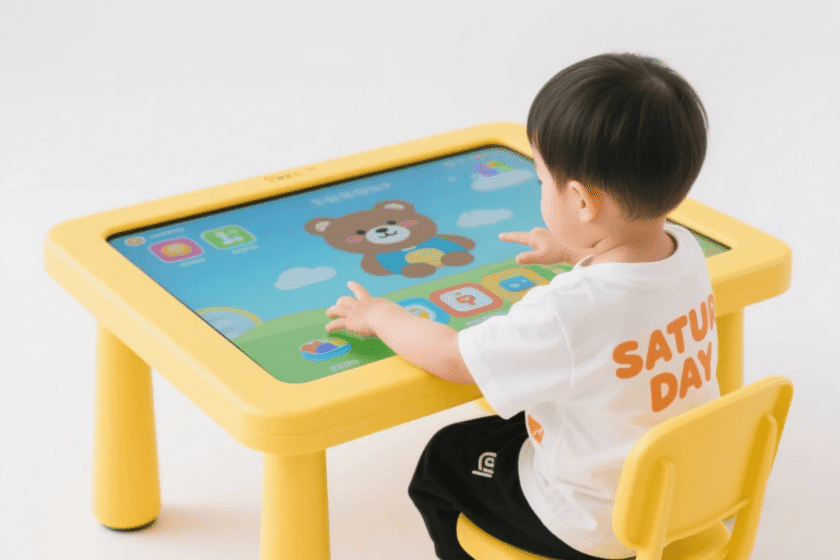
Digital board games often require players to move pieces at the same time. A 10-point touch screen game table allows two players to use five fingers each. A 20-point table can comfortably support four players with multiple active touch points. Simultaneous input is the judgment standard for any multi-player interactive platform.
Complex Gesture Support and Interactivity
Gaming applications rely on gestures to navigate maps and menus. Multi-touch enables the “pinch-to-zoom” action for detailed strategy games. Users can also rotate objects by using two fingers in a circular motion. These natural movements make digital gaming feel more organic and intuitive.
Key Hardware Features of High-Performance Tables
The effectiveness of a touch screen game table depends on more than just the touch sensor. The glass quality, processing power, and display resolution must work in harmony. Quality hardware ensures the table survives the rigors of public or commercial use.
Reliable game tables feature 4K or 1080p resolution for crisp, vibrant visuals. They often use tempered glass with a Mohs hardness rating of 7H. This protects the sensitive electronics from scratches and heavy impacts. Industrial-grade cooling systems are also necessary to maintain performance during long gaming sessions.
Furthermore, the response time of the touch controller should be under 10 milliseconds. Higher latency causes a noticeable delay between a touch and the on-screen action. Low latency is critical for fast-paced action games or digital air hockey. High-quality tables prioritize this speed to ensure a competitive and enjoyable environment.
-
Touch Points: Most standard units provide 10 or 20 touch points.
-
Glass Type: Tempered glass with anti-glare coating is preferred for visibility.
-
Response Time: Professional gaming requires a response speed of 5ms to 8ms.
-
Operating System: Tables usually run on Android or Windows platforms.
-
Connectivity: Built-in Wi-Fi and Bluetooth are standard for downloading new games.
-
Waterproofing: Commercial tables often feature an IP65-rated surface for spill protection.
How to Choose a Multi-touch Smart Table
Selecting the right touch screen game table requires evaluating your specific environment. You must consider the number of users and the intensity of the games. A table used in a quiet home setting has different requirements than one in a busy cafe. Durability and waterproofing are the primary judgment standards for commercial deployments.
The Touch Screen Coffee Table Interactive Smart Table Kiosk is an excellent example of modern integration. It combines an aesthetic furniture design with high-performance PCAP multi-touch technology. The waterproof design is particularly important for environments where drinks are served. Choosing a table with an integrated PC or Android system simplifies the setup process.
When evaluating a smart table, check for high-brightness panels if the room has natural light. Screens with at least 350 nits of brightness ensure that the game remains visible under bright lamps. You should also verify if the software allows for remote content updates. This is vital for businesses that want to change their game catalogs or promotional content frequently.
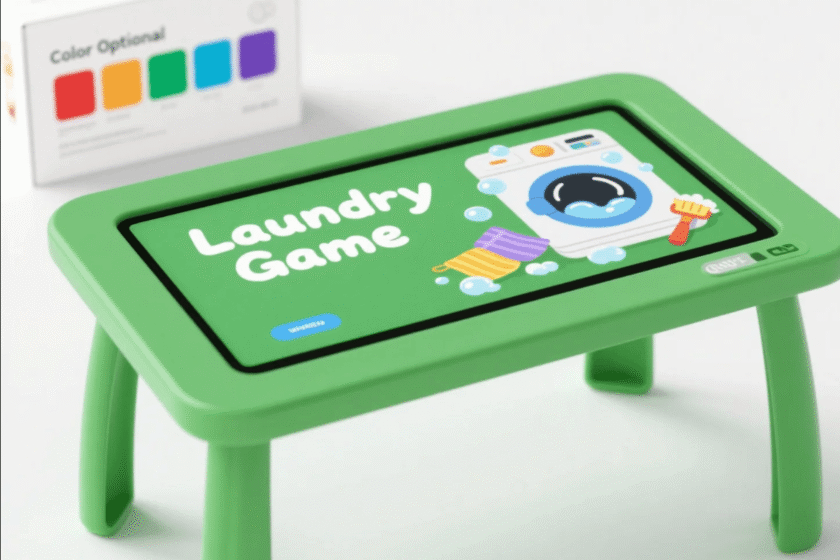
Environmental Durability for Social Spaces
Game tables are frequently located in high-traffic social areas. They face risks from food spills, heavy cleaning chemicals, and physical force. Professional-grade units are built to withstand these daily challenges without losing sensitivity.
The integration of waterproof seals is a defining feature of a quality touch screen game table. An IP65-rated front panel prevents liquids from entering the internal computer components. This allows users to place drinks on the table while they play. A waterproof surface is a non-negotiable feature for restaurant or bar installations.
Additionally, look for tables with rounded corners and a stable base. This improves safety in environments where children may be playing. A heavy, stable base prevents the table from tipping during enthusiastic multi-player games. These mechanical safety features are as important as the digital ones for long-term reliability.
Summary
In summary, a touch screen game table is multi-touch by design, typically offering 10 to 20 points of contact. This technology is powered by PCAP or IR sensors to allow multiple players to participate simultaneously. High-quality units feature waterproof tempered glass and fast response times for the best gaming experience. Selecting the right table involves balancing touch precision with physical durability and software flexibility.
FAQ
1. Can multiple people use a touch screen game table at once?
Yes, modern tables are designed for collaboration. A 10-point or 20-point multi-touch system allows several players to interact with different parts of the screen at the same time. This is perfect for digital board games and multi-player arcade titles.
2. Is PCAP better than IR for gaming?
Generally, yes. PCAP (Projected Capacitive) technology is more precise and does not have a raised bezel. This creates a flat “edge-to-edge” glass surface that is easier to clean. It also provides a faster response time, which is essential for fast-moving games.
3. Are these tables waterproof?
Professional interactive coffee tables and game kiosks usually feature an IP65-rated top surface. This protects the screen from liquid spills and makes it easy to wipe clean. However, you should always check the specific IP rating of a model before purchase.
4. What kind of games can I play on a smart table?
These tables can run any application supported by their OS (Android or Windows). Popular options include digital versions of classic board games, puzzle games, and educational apps. Many tables also support web browsing and streaming services like Netflix.
5. Do touch screen game tables require a lot of maintenance?
Maintenance is relatively low. You simply need to clean the glass with a non-abrasive cloth and standard glass cleaner. For the internal computer, ensure the ventilation ports are kept free of dust to prevent overheating.
Reference Sources
Technical Standards for Capacitive and Infrared Touch Interfaces
Industry Guidelines for Public Interactive Displays and Kiosks
Research on Multi-touch Gestures and Collaborative User Interfaces