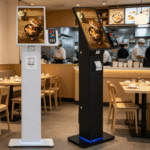
Elevating the Customer Journey through a Touch Screen Self Service Kiosk
In my years managing digital transformation projects, I have seen a fundamental shift in how people occupy public spaces. Consumers no longer wish to wait in line for simple tasks. They demand autonomy, speed, and clarity. A high-performance touch screen self service kiosk is the ultimate tool to meet these evolving expectations. It serves as a bridge between your digital back-end and the physical world. However, many deployments fail because the hardware is treated as an afterthought. To truly revolutionize your operations, you must integrate industrial-grade hardware with a seamless user interface. This article moves beyond basic aesthetics to explore the technical and strategic pillars of a world-class self-service ecosystem. A robust touch screen self service kiosk must prioritize hardware resilience, intuitive navigation, and strict data security to deliver a high return on investment.
The Synergy of Self-Service Technology and Multimedia Kiosks
The modern digital terminal is far more than a simple input device. It is a sophisticated platform that combines self-service technology with high-definition touch screen technology to deliver information. When managed correctly, these systems reduce staff overhead and increase transaction accuracy.
Mastering Multimedia Kiosks for Visual Impact
A self service touch screen kiosk must do more than just process orders; it must engage the senses. High-quality multimedia kiosks use vibrant displays and crisp audio to guide users through their journey. Integrating advanced self-service technology with responsive touch screen technology creates an immersive environment that encourages user adoption. This is particularly effective in luxury retail and high-traffic transit hubs.
The Strategic Value of Professional IT Consulting
Many businesses underestimate the complexity of a large-scale rollout. This is where specialized self-service technology touch screen technology multimedia kiosks it consulting becomes essential. Professionals in this field help you map the data flow and secure the network infrastructure. Utilizing expert it consulting ensures that your multimedia kiosks remain secure against cyber threats and operational during peak traffic hours. Without this high-level technical oversight, even the best hardware can become a liability.
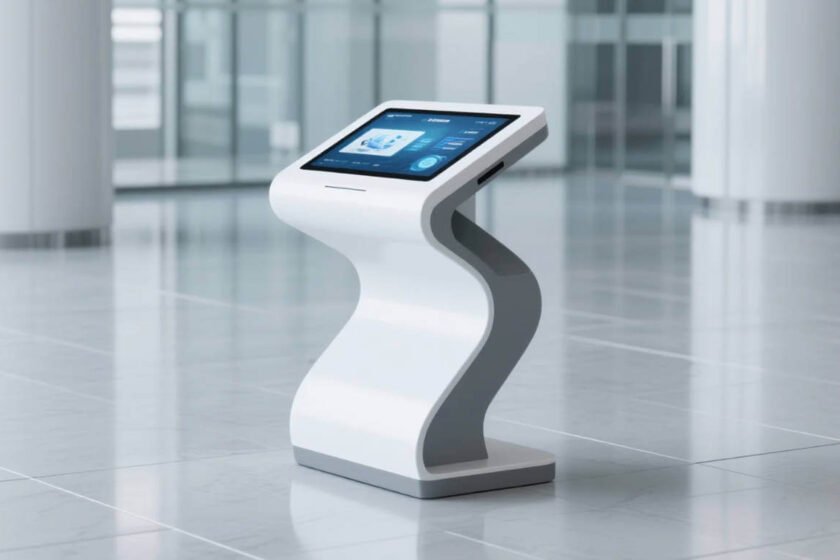
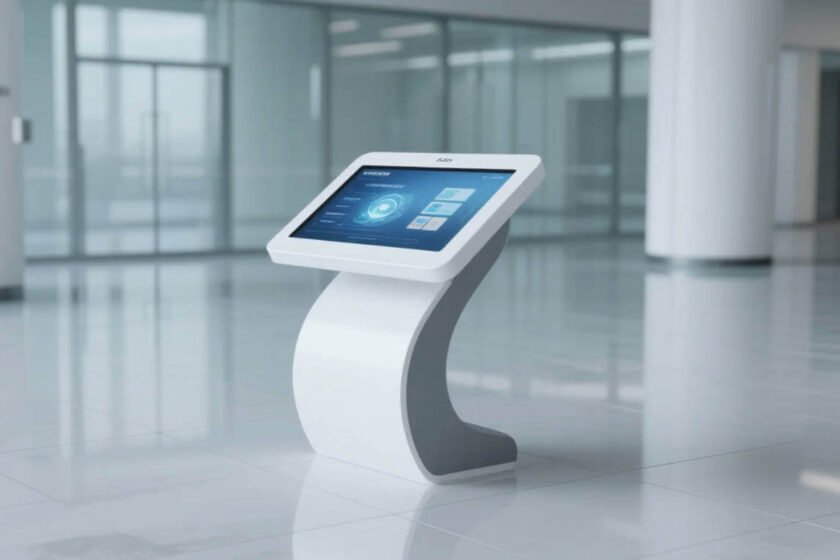
Engineering Resilience: The Hardware Behind a Touch Screen Self Service Kiosk
A terminal placed in a public lobby faces environmental stresses that office equipment never encounters. It must withstand 24/7 operation, fluctuating temperatures, and frequent physical interaction. This is where industrial engineering separates the professional solutions from consumer-grade substitutes.
Superior Display and Touch Accuracy
A self service touch screen kiosk requires a panel that maintains brightness under harsh overhead lighting. The touch layer must be durable enough to handle thousands of interactions per day without losing sensitivity. Capacitive touch technology provides the fluid, multi-point interaction that modern users expect from their digital devices. This responsiveness is the foundation of a frustration-free customer experience.
Protection Standards and Enclosure Integrity
Public hardware is vulnerable to dust, moisture, and impact. According to international Ingress Protection (IP) ratings, the front surface of your terminal should be sealed. A touch screen self service kiosk with an IP65-rated front panel prevents internal damage from spills or intensive cleaning protocols. This durability is critical for maintaining high uptime and reducing the total cost of ownership.
Designing for Inclusivity: Accessibility and UX Standards
Accessibility is not just a feature; it is a core functional requirement. In the United States, the Americans with Disabilities Act (ADA) provides strict guidelines for public terminals. A digital hub that excludes a portion of the population is a failure in both design and business strategy.
Ergonomics and Human-System Interaction
The ISO 9241-210 standard offers a framework for human-centered design. This involves optimizing the screen tilt, font size, and interface height to accommodate users of all physical abilities. Adhering to ISO ergonomics standards ensures that your touch screen self service kiosk remains comfortable and intuitive for every user. Correct placement of interactive elements reduces physical strain and speeds up transaction times.
Data Security and Privacy Frameworks
Processing user data in a public space carries significant risk. Following the National Institute of Standards and Technology (NIST) guidelines for data protection is mandatory. A secure self service touch screen kiosk must utilize encrypted communication channels to safeguard user privacy during transactions. Hardware-level security, such as locked ports and tamper-resistant screws, provides an additional layer of protection in unsupervised areas.
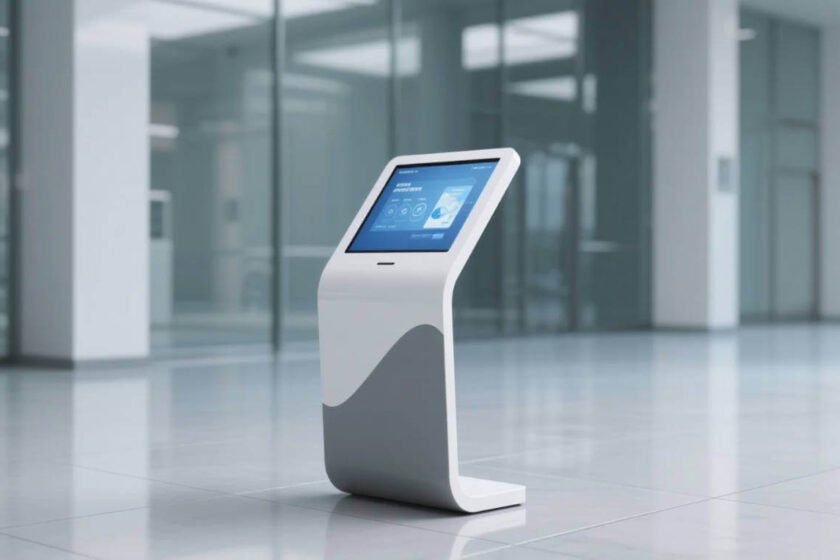
Strategic Integration for Long-Term Operational Success
A digital terminal should be a physical extension of your brand identity. It must fit seamlessly into your architectural layout while providing a robust point of contact. Determining the right form factor depends on the complexity of the service and the floor space available.
If you are looking for a highly versatile and durable terminal for public inquiries, exploring a specialized touch screen kiosk range is the best place to start. These machines are designed for the rigors of 24/7 use and offer modular options for printers, scanners, or card readers. A well-chosen touch screen self service kiosk provides the scalability needed to adapt to future business growth.
For organizations that need to combine advertising with functional inquiry services, the Intelligent touch screen advertising inquiry all-in-one machine is a premier solution. This model features an industrial-grade display and a sleek, modern enclosure. Investing in an intelligent all-in-one kiosk ensures that your multimedia content and self-service technology remain reliable and engaging for years.
Conclusion
Elevating the customer journey requires a touch screen self service kiosk that balances industrial-grade durability with high-precision touch screen technology. To achieve operational excellence, you must prioritize a self service touch screen kiosk that complies with ADA accessibility standards and NIST security protocols. By focusing on these functional pillars and utilizing expert IT consulting, you can build a resilient digital hub that enhances customer autonomy and streamlines your entire business operation.
FAQ
1. What is the standard lifespan of a touch screen self service kiosk?
In a well-ventilated indoor environment, an industrial-grade terminal should last 5 to 7 years. Longevity depends on regular cleaning and ensuring the cooling systems remain free of dust. Using high-quality internal components ensures your touch screen self service kiosk operates reliably throughout its entire service life.
2. Can I use a standard tablet as a self service touch screen kiosk?
I do not recommend this for high-traffic environments. Consumer tablets lack the cooling, durability, and secure mounting options required for public use. A dedicated touch screen self service kiosk is engineered to handle constant usage and environmental stress that would cause a tablet to fail.
3. How do I maintain hygiene on a public touch screen self service kiosk?
You should use non-abrasive, alcohol-based wipes on the glass surface. Modern kiosks often feature anti-microbial coatings and an IP-rated front that resists liquid damage. Regular cleaning with appropriate disinfectants maintains user trust and prevents the spread of bacteria in public spaces.
4. What is the role of it consulting in kiosk deployment?
IT consultants manage the remote monitoring systems, security patches, and network integration. They ensure the hardware and software work together without crashing. Expert it consulting is vital for managing a fleet of multimedia kiosks across multiple locations efficiently.
5. Are kiosks compliant with GDPR and other privacy laws?
Yes, provided the software is designed to delete session data immediately and uses encrypted storage. You must work with your IT team to ensure the software layer is compliant. A secure touch screen self service kiosk protects your business from the legal risks associated with data breaches.
Reference Sources
ADA.gov – Standards for Accessible Design and Kiosk Height Guidelines
NIST – Cybersecurity Framework and Data Protection for Public Devices
IEEE – Standards for Touch Interface Technology and Hardware Design