How to Choose the Best Touch Screen Table for Your Business?
I have seen many businesses struggle to capture customer attention in high-traffic environments. Traditional signage often fails to create a lasting impression. A touch screen table solves this by inviting users to participate rather than just observe. Whether you are in retail, education, or corporate sectors, these interactive surfaces are becoming essential.
However, choosing the right hardware involves more than just picking a large screen. You must consider response times, glass durability, and software compatibility. This article will guide you through the technical requirements of a high-quality touch screen table. We will focus on how to maximize engagement and ensure a high return on investment.
In my experience, the right interactive furniture can transform a physical space into a digital hub. By the end of this guide, you will know exactly what features to prioritize. A well-chosen touch screen table improves customer satisfaction and streamlines information delivery.
Why a Multi Touch Screen Table is Vital for Modern Engagement
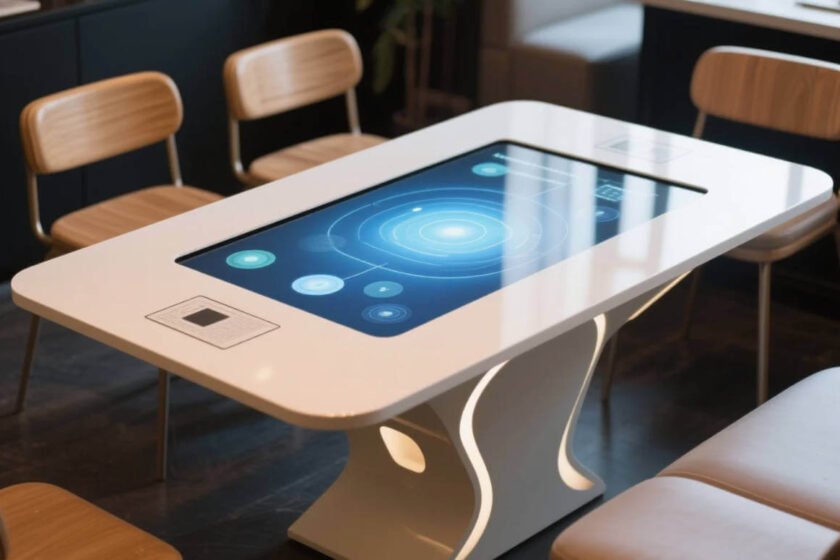
A multi touch screen table is designed for collaborative environments where more than one person interacts with the screen. Unlike traditional tablets, these tables use advanced sensors to track ten or more simultaneous touch points. This allows a group of people to work together on a single project or game.
According to industry insights from AVIXA, multi-user interaction is a key driver for digital signage growth. In museums or showrooms, a multi touch screen table allows families or teams to explore content together. This social aspect of technology creates a much deeper level of engagement.
Furthermore, Wikipedia highlights that these devices often use Projected Capacitive (PCAP) technology. PCAP is the same tech found in modern smartphones but scaled up for larger surfaces. PCAP technology provides the most responsive and intuitive user experience available today.
Benefits of Simultaneous Interaction
When multiple users can interact at once, wait times for information decrease. In a retail setting, two customers can browse different product catalogs on the same multi touch screen table. This efficiency helps manage floor traffic during peak hours.
Precision and Response Speed
Precision is critical when users are manipulating small icons or writing digital notes. A professional multi touch screen table should have a response time of under 10 milliseconds. Low latency ensures that the digital “ink” follows the user’s finger without delay.
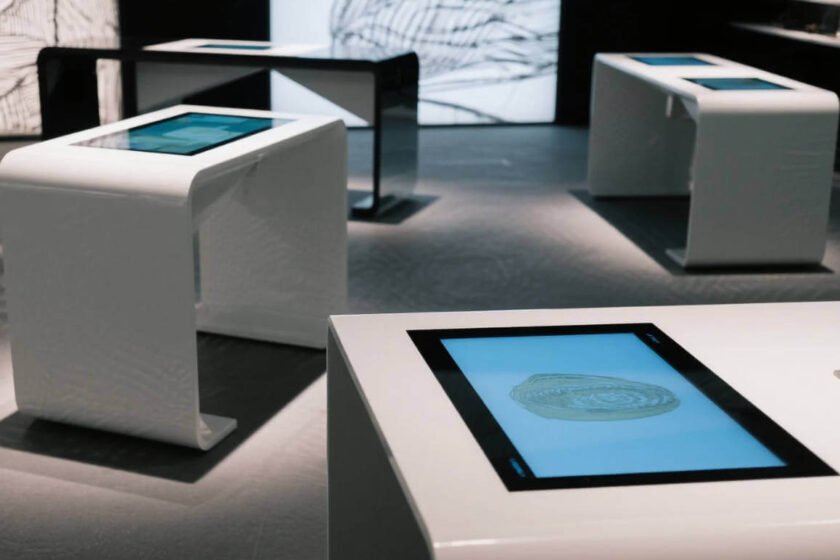
Technical Features of a High-Quality Touch Screen Table
Every professional touch screen table must adhere to specific electronic and safety standards. For instance, FCC certification is necessary to ensure the device does not emit harmful electromagnetic interference. I always check for these certifications to guarantee long-term reliability.
The brightness of the display is another vital technical specification. In bright showrooms, you need at least 350 to 500 nits of brightness. This ensures that the touch screen table remains readable under heavy overhead lighting.
Additionally, consider the viewing angle of the panel. Since users look at the table from various sides, an In-Plane Switching (IPS) panel is preferred. IPS panels maintain color accuracy and clarity even when viewed from extreme angles.
Integration with Operating Systems
Most interactive tables run on either Windows or Android. Your choice depends on the specific applications you plan to run. Windows is excellent for complex corporate tools, while Android offers a simpler, app-based interface. Matching the hardware to your existing software ecosystem is essential for a smooth rollout.
Connectivity and Network Requirements
A high-performance touch screen table requires robust connectivity. Look for units that offer both Wi-Fi and physical Ethernet ports for stable internet access. Many models also include HDMI and USB ports for external peripheral integration.
Enhancing Collaboration with a Screen Touch Table
Using a screen touch table in a corporate boardroom changes the dynamic of meetings. Instead of one person presenting at the front, everyone sits around the display. This physical arrangement encourages a more democratic and creative exchange of ideas.
ISO 9241 standards provide guidelines for the ergonomics of human-system interaction. These standards emphasize that a screen touch table must be at a comfortable height to prevent neck strain. Ergonomic design ensures that users remain comfortable during long collaborative sessions.
I have observed that teams using a screen touch table tend to complete visual tasks faster. Whether it is architectural planning or data visualization, the ability to “touch” the data is powerful. This tactile connection helps humans process complex information more effectively.
Interactive Presentations and Brainstorming
Software specifically designed for a screen touch table allows users to throw files across the screen. You can literally push a digital document toward a colleague on the other side of the table. Interactive software turns static data into a dynamic conversation starter.
Educational Applications in Classrooms
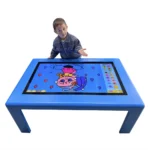
In schools, a screen touch table can serve as a multi-student workstation. It supports gamified learning where children solve puzzles together. This peer-to-peer interaction is a cornerstone of modern pedagogical strategies.
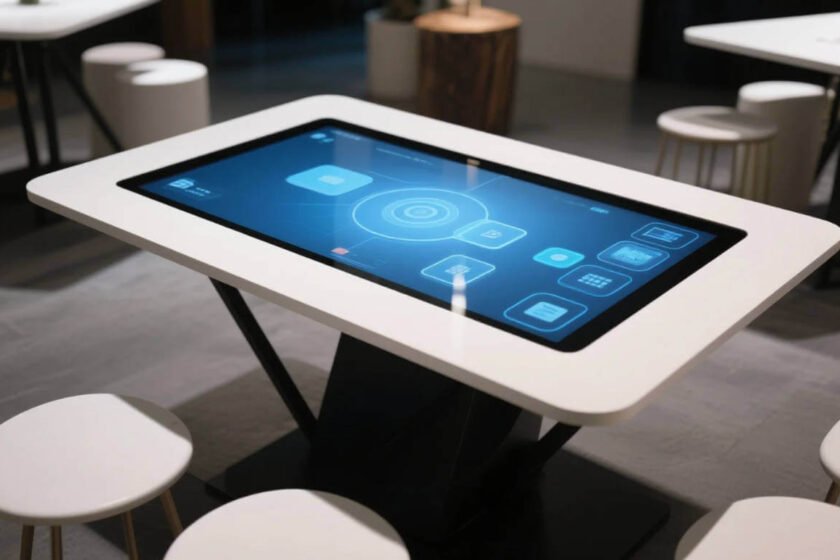
Durability Standards for a Table Touch Screen
Because the glass surface is horizontal, a table touch screen is more vulnerable to damage than a wall-mount. It may have heavy objects placed on it, or liquids spilled across the surface. Therefore, the glass must be both tempered and waterproof.
Most high-end models feature IP65-rated front panels. This means the table touch screen is protected against dust and low-pressure water jets. An IP65 rating is the industry standard for protecting electronics in public areas.
I also recommend checking the Mohs hardness scale of the glass. A rating of 7H or higher is ideal to prevent scratches from rings or coins. Durable glass keeps the table looking professional even after years of heavy public use.
Cooling and Thermal Management
Large displays generate significant heat, especially when running 24/7. A reliable table touch screen uses industrial-grade fans or heat sinks to dissipate this thermal energy. Proper cooling prevents internal component failure and extends the life of the display.
Ease of Cleaning and Maintenance
In public spaces, hygiene is a primary concern for users. A flat, bezel-free table touch screen is much easier to sanitize. You can simply wipe the surface with a disinfectant cloth without trapping debris in the corners.
How to Evaluate Interactive Hardware for Your Space
Selecting the right interactive table involves balancing performance with your specific environmental needs. You must determine if you need a mobile unit or a fixed permanent fixture. I believe the most important judgment standard is the hardware’s ability to handle your expected user load. If you anticipate high traffic, prioritize durability and multi-touch sensitivity.
I suggest exploring a variety of form factors to see what fits your aesthetic. You can browse the full Interactive Touch Table collection to compare different sizes and styles. For environments requiring separate workflows, the Dual Screen Touch Table provides two independent displays in one unit. Evaluating these options ensures that your technology choice truly supports your business objectives.
Summary
Choosing a touch screen table requires focusing on multi-user support, display clarity, and physical durability. Prioritize a multi touch screen table with PCAP technology and an IP65 rating for the best results. By following ergonomic standards and selecting the right OS, you can significantly enhance engagement and collaboration in any professional environment.
FAQ
1.What is the difference between capacitive and infrared touch?
Capacitive touch uses the electrical properties of the human body and is highly responsive. Infrared touch uses a grid of light beams and can detect any object, including gloved hands. For a touch screen table, capacitive is generally preferred for its sleek, bezel-free design.
2.Can I use a touch screen table as a regular table?
While you can place light objects on a tempered glass screen touch table, it is not a standard piece of furniture. You should avoid heavy loads or sharp objects. Always check the manufacturer’s weight limit before using it for purposes other than interaction.
3.Is it hard to set up a table touch screen?
Most professional models are “plug-and-play.” You simply connect the power and a network cable, and the table touch screen boots into its OS. However, custom software configuration may require assistance from an IT professional.
4.How do I clean a touch screen table?
Use a soft, microfiber cloth and a mild glass cleaner or 70% isopropyl alcohol. Avoid abrasive chemicals that could damage the anti-glare coating. Regular cleaning ensures the touch sensors remain accurate and the display stays clear.
5.Does a touch screen table require special software?
It depends on your goals. While a touch screen table can run standard websites or apps, custom interactive software provides a better experience. Specialized software is often used to create multi-user interfaces and restricted “kiosk” modes.
Reference Sources
AVIXA: International Trade Association for the Audiovisual Industry
FCC: Federal Communications Commission Equipment Authorization
Britannica: Touch Screen Technology Evolution